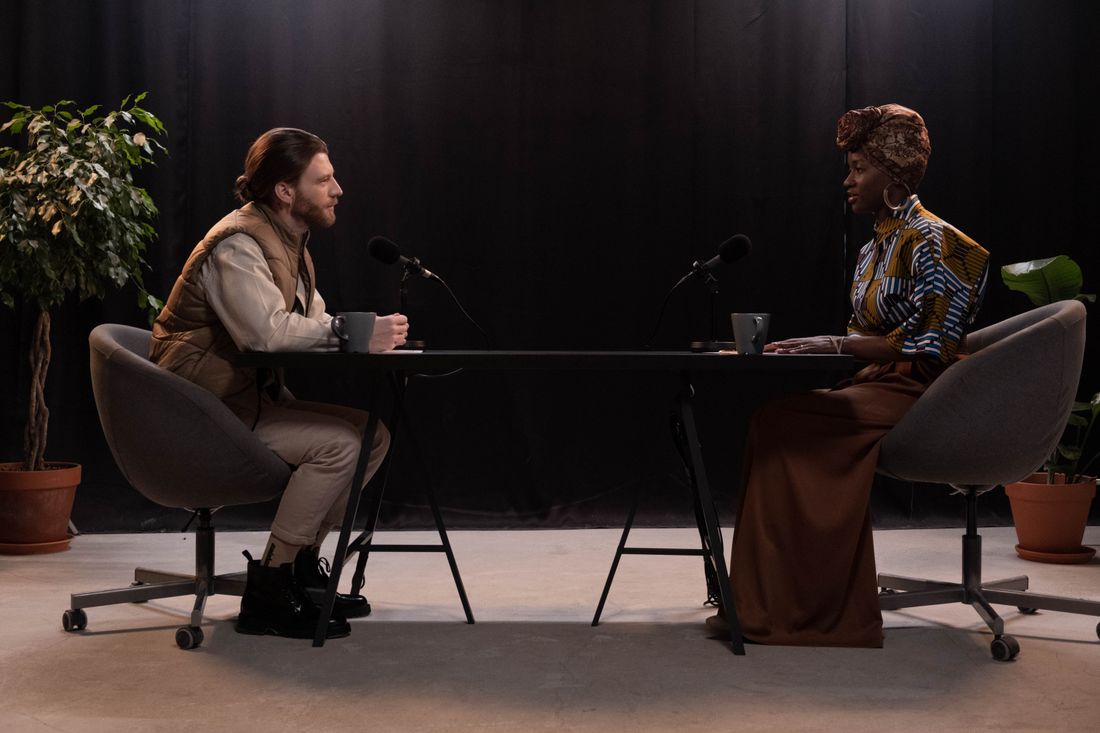
Photo: Core Visuals NYC
Book one podcast guest spot or panel seat this month, and you can walk away with more than an episode link (a portrait, a few sharp video clips, and a couple of quote graphics), all pulled from a single appearance instead of a separate shoot. The difference between a guest who gets that and a guest who gets nothing but a link comes down to what happens in the twenty minutes on either side of the recording, and whether anyone asked about footage rights before the day arrived.
One podcast appearance or panel seat can produce a portrait, a few short video clips, and quote graphics without a separate shoot, but only if you plan the capture beforehand, ask about footage rights before you show up, and treat the twenty minutes around the recording as the actual shoot.
Table of Contents
- What One Appearance Can Actually Produce
- What You Get From the Host's Recording, and What You Don't
- Ask About Footage Rights Before You Show Up, Not After
- The Real Shoot Is the Twenty Minutes on Either Side
- What a Portrait From That Day Gives You (and What It Doesn't)
- Which Clip Lengths Are Worth Cutting
- When a Quote Graphic Beats a Video Clip
- The Honest Limit: a Bad Recording Stays a Bad Recording
What One Appearance Can Actually Produce
One podcast guest slot or panel seat can produce a usable portrait, two or three short video clips, and a handful of quote graphics, all without booking a separate shoot. The catch is that none of it happens by accident. Someone has to plan the capture before the appearance, not after it airs.
Most guests treat the appearance as the whole job: show up, talk well, leave. That's fine for the interview itself, but it leaves real content sitting on the table. A host's recording is built to serve the show, not your feed, so the raw footage rarely hands you everything you need on its own.
The fix isn't complicated. It's a short conversation before the appearance about what you want to walk away with, plus about twenty minutes of your own time on the day. We treat that block as a small shoot, sized to what the format actually allows, not to what a full studio session would produce.
What You Get From the Host's Recording, and What You Don't
A host's recording usually gives you decent audio, a wide static camera angle, and footage of the conversation itself, enough to pull a few spoken clips or quote graphics. It rarely gives you a clean portrait, close-up footage, or anything shot with your feed's crop and lighting in mind, because that was never the point of the setup.
Most podcast and panel setups are built around one goal: capture the conversation clearly enough to publish. That means a single wide shot, sometimes two if the host runs multiple cameras, and audio tuned for voice, not for anything else. It's a fine baseline for a talking-head clip.
What it doesn't give you is control. You can't ask the host's camera to move in tighter during your best answer, and a wide shot cropped for vertical video often puts you off-center or too small in frame. Knowing that ahead of time changes what you plan to bring. A phone on a tripod pointed at just you fixes most of it.
Ask About Footage Rights Before You Show Up, Not After
Before the appearance, ask the host or organizer in writing whether you can post clips from the recording on your own channels, whether they want a credit, and how and when you'll actually receive the files. Asking after the episode airs puts you at the mercy of their schedule and their answer.
This is a production question, not a legal one. We're describing what to agree on with a host, not what copyright law entitles anyone to, and neither should you take a stranger's word for that. What matters in practice is a plain answer, ideally in writing: yes you can post clips, here's how to credit the show, here's when the raw files or finished episode arrive.
Some shows are generous and fast. Others sit on footage for weeks or never send raw files at all, only the finished episode. Either answer is workable once you know it going in. You'll plan around a slow host differently than a fast one, and you'll know whether to bring your own backup camera.
The Real Shoot Is the Twenty Minutes on Either Side
The part of the day you actually control is the ten minutes before the recording starts and the ten minutes after it wraps, while you're already dressed, lit, and in the room. That window is where a portrait and any extra footage actually get made. Not during the interview itself.
During the recording, your job is to be a good guest, not to direct a shoot. Angling for content moments mid-answer just makes you a worse guest and a distracted interviewee. The window that's genuinely yours is setup and teardown, when the host is testing levels, adjusting chairs, or coiling cables, and you're standing there already camera-ready with nowhere else to be.
That's when a portrait happens: a few frames against the studio backdrop or stage set, taken in under five minutes without holding anyone up. It's also when you can grab a short piece to camera (one clean thought, no interview back-and-forth) if you brought a phone or asked someone nearby to hold it steady for you.
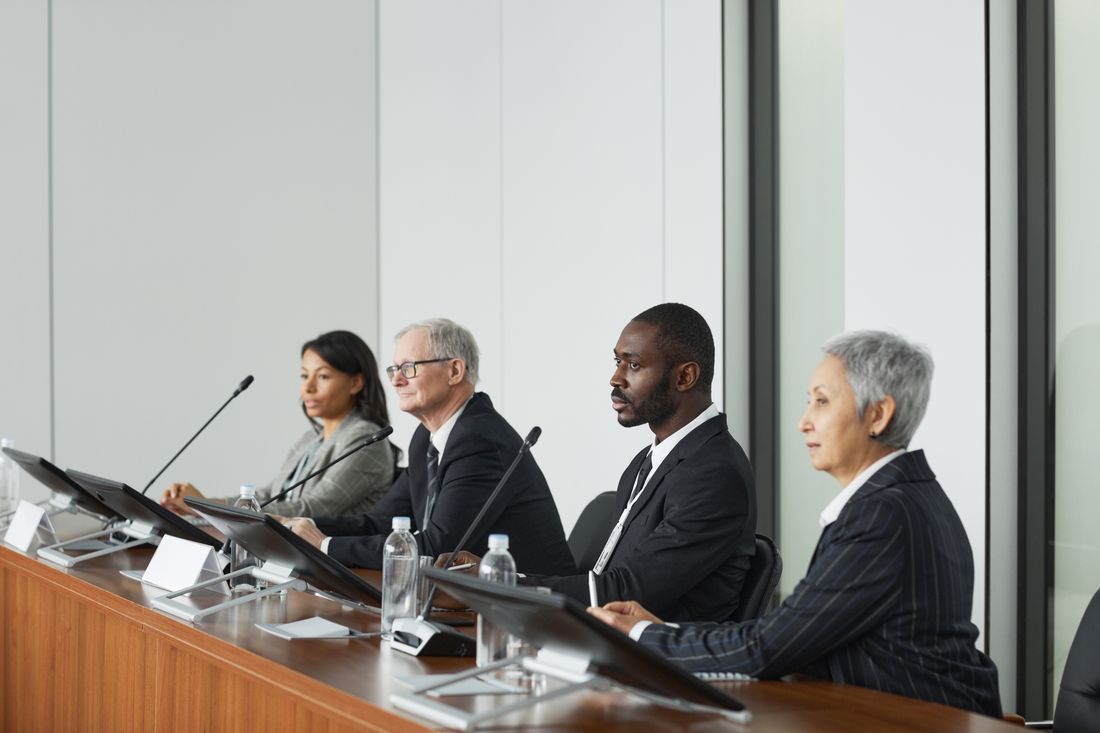
Photo by Werner Pfennig via Pexels.
What a Portrait From That Day Gives You (and What It Doesn't)
A portrait taken at a podcast or panel gives you a real backdrop, real context, and a photo you can caption honestly as recorded at that show, strong for one specific post, not built to be a universal profile photo. A studio session gives you a controlled, reusable headshot meant to work everywhere, indefinitely.
The two aren't substitutes for each other. The appearance-day portrait carries a story: it's tied to a specific show, a specific stage, a specific moment. That makes it strong for the post announcing the episode and weak as a default profile photo two years later, since the backdrop and context date it.
A studio headshot has no story attached, which is its strength (plain background, controlled light, built to drop into a bio, a deck, or a directory listing without a caption to explain it). If you only get one shoot this year, make it the studio version. If you're already booked on a show, the appearance-day portrait is a real bonus on top of it.
Which Clip Lengths Are Worth Cutting
From a single appearance, the clips worth cutting usually run under 90 seconds: one self-contained answer, one story, or one strong opinion, each able to stand alone without the interview question attached. Longer cuts need more editing to hold attention and rarely justify the extra work from one appearance's footage.
Look for the moments where you said something complete in one breath, a full thought with a beginning and an end, not half of a back-and-forth that needs the question replayed to make sense. Those are the cuttable units. A 45 to 90 second clip built around one of those moments works across most platforms without a second edit or extra context.
Skip the temptation to cut a five-minute highlight reel. It takes real editing time to make a long cut hold attention, and one appearance's raw footage, one camera angle, one lighting setup, usually doesn't have the visual variety to support it. Three short, sharp clips beat one long one nearly every time you're working from a single recording.
When a Quote Graphic Beats a Video Clip
A quote graphic beats a video clip when the strongest thing you said doesn't have usable footage attached to it (bad framing, crosstalk, a camera cut away) or when the line simply works better read than heard. Text travels further in feeds that default to no sound and rewards a sharp, short sentence.
Not every good line has a matching good shot. Sometimes the camera was on the host when you said the sharpest thing in the conversation, or the audio has overlap that makes the clip hard to follow. Rather than force a weak clip into existence, pull the line as text, pair it with the portrait or a simple background, and post it as a graphic instead.
Quote graphics also work when the idea is dense enough to reward a second read, a specific claim, a sentence someone would screenshot. Video is better for delivery and tone; text is better for a line built to be quoted on its own.
The Honest Limit: a Bad Recording Stays a Bad Recording
If the host's audio is muddy, the framing is bad, or the lighting is unflattering, no amount of editing turns that footage into strong brand content. Planning ahead lowers how often this happens. It doesn't guarantee good material, because you don't control the host's setup, only your own preparation around it.
It's worth saying plainly, since every other section here is about getting more from an appearance: sometimes the raw material just isn't there. A phone mic picking up room echo, a camera angle that cuts you off at the neck, harsh overhead light. Editing can trim, color-correct, and reframe, but it can't manufacture footage that was never captured.
That's the honest boundary between an appearance and a shoot you control. Asking about rights and files, showing up early, planning your twenty minutes, all of it raises your odds. None of it replaces a session where the lighting, camera, and audio are actually built around you, which is the whole point of booking one when the moment calls for it.
Frequently Asked Questions
Do I need to bring my own photographer to a podcast recording?
Not usually. Most shows have a camera and enough setup time before or after recording for a few portrait frames if you ask in advance. A photographer is worth booking only for a genuinely major appearance (a flagship show, a large stage) where a stronger portrait matters more than the ten minutes of setup time would otherwise allow. For most guest spots, a phone on a tripod and a plan for that window gets you what you need.
What should I ask a podcast host or event organizer before I show up?
Ask three things in writing: can you post clips from the recording on your own channels, how should you credit the show, and when and how you'll receive the files (raw footage, edited episode, or neither). Ask before the appearance, not after it airs, since a slow or vague answer afterward leaves you stuck waiting. A short email a few days out is usually enough to get a clear answer back.
How long should a repurposed podcast clip be?
Most usable clips run 45 to 90 seconds and center on one complete thought, a full answer, story, or opinion that stands alone without the interview question attached. Longer cuts demand more editing time and more visual variety than a single-camera, single-setting recording usually has to offer. Choosing between one long highlight reel and three short clips from the same footage, the three short clips almost always perform better for less editing time.
Can I get a usable headshot from a podcast appearance?
You can get a usable portrait, not a full headshot session. In the ten minutes before or after recording, while you're already lit and dressed, a few frames against the studio backdrop or stage set give you a real, honest photo tied to that appearance. It works well for the post announcing the episode. For a neutral, reusable profile photo meant to last years, a dedicated studio session still does that job better.
What if the host's audio or video quality turns out to be bad?
Plan around it rather than trying to fix it afterward. Bad audio or unflattering framing from the host's setup can't be edited into strong content. Editing trims and adjusts, it doesn't rebuild footage that wasn't captured well. If recording quality matters to you, bring your own backup camera or recorder for your own angle, or treat that particular appearance as a reach opportunity rather than a content shoot.
Related Reading
Planning founder content or a launch and unsure what to actually shoot?
Tell us where the images or video will run, site, LinkedIn, press, or a launch page, and we'll scope it with a fixed price before you book anything.
See Personal Branding & Launches