Photo: Core Visuals NYC
An event schedule can be accurate and still be almost useless to the people covering it. A list of session names and start times tells us when the doors open. It does not always tell us which moments cannot happen again, where the next room is, or when clean audio matters.
An event run of show gives the photo and video team the timing, location, priority, and production context behind each part of the day. It reveals schedule overlaps, room changes, audio needs, access limits, and unrepeatable moments before they compete for the same camera. The useful version is a coverage map, not merely a calendar. An event run of show is the working schedule that connects each program moment to its time, place, people, and production needs. It can be a spreadsheet, a shared document, or a carefully maintained collection of cells that has developed opinions. The format matters less than the decisions inside it.
Table of Contents
What a run of show actually does
A run of show turns program information into production decisions. It tells the photo and video team when to arrive, where to stand, what needs continuous attention, and when movement is possible. With that context, the team can plan coverage as one connected day instead of solving each moment after it has already begun.
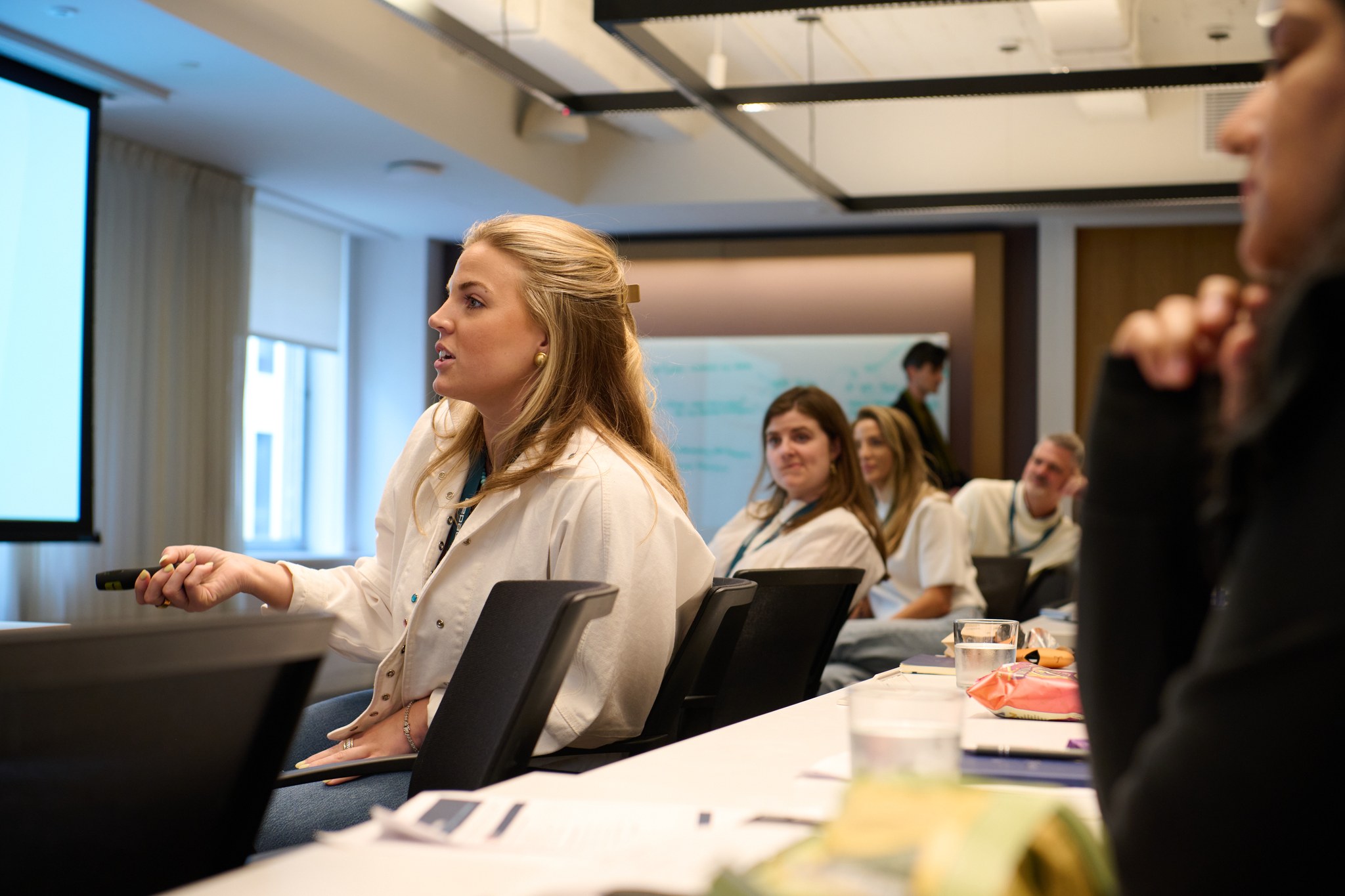
The difference appears in the details. A line that says panel discussion at 2 PM gives us a start time. A useful line also names the room, panel length, speaker count, moderator, microphone format, audience questions, and whether the panel needs a full recording or a representative set of photographs.
Those notes change the plan. Video may need a stable position and a connection to the room audio. Photography may need a clear route to both the stage and audience without walking through the frame. If the panel ends with a group portrait, the team can keep the speakers nearby instead of trying to rebuild the group twenty minutes later.
Mark the moments that cannot be repeated
The most important run of show notes identify moments with no second take. A ribbon cut, award handoff, keynote entrance, product reveal, or single executive appearance deserves a clear priority marker. Once those moments are visible, the team can reserve positions, protect the frame, and keep another request from quietly pulling coverage elsewhere.
Not every line deserves the same level of attention. Registration may run for an hour and give the photographer several chances to build an arrival sequence. A founder walking onstage for the first announcement happens once. The schedule should make that difference obvious.
Priority notes can stay simple. Name the person or moment, the exact location, the expected time, and what the final asset needs to show. A sponsor may need its installation photographed with real attendee interaction. An award handoff may need both the stage moment and a clean portrait immediately afterward. A launch reveal may need a wide frame, a close detail, and audience reaction.
A useful priority note answers one question. If the camera team is pulled in two directions at this time, which moment wins?
Show every room, overlap, and transition
Schedule overlaps decide crew needs more directly than guest count. The run of show should place every simultaneous session, portrait window, sponsor activation, and room reset on the same timeline. It should also include realistic travel between locations. Two unrepeatable moments in different rooms need a choice, another operator, or a narrower coverage promise.
Transitions belong on the schedule too, and in New York they are rarely a straight line. Moving between neighboring rooms on the same floor is different from moving gear through a freight elevator, down a loading dock, or past a union house's own crew and load-in rules. A room reset can block a camera position for longer than the printed schedule suggests. A portrait station can hold one photographer in place while the reception starts on another floor entirely.
When an overlap is visible, the organizer and camera team can decide what complete coverage means. One breakout may need every speaker. Another may need an establishing frame, a few audience moments, and one clean speaker image. Video may stay with the keynote while photography moves. The right answer follows the deliverables, not a heroic assumption that one person can be in both rooms.
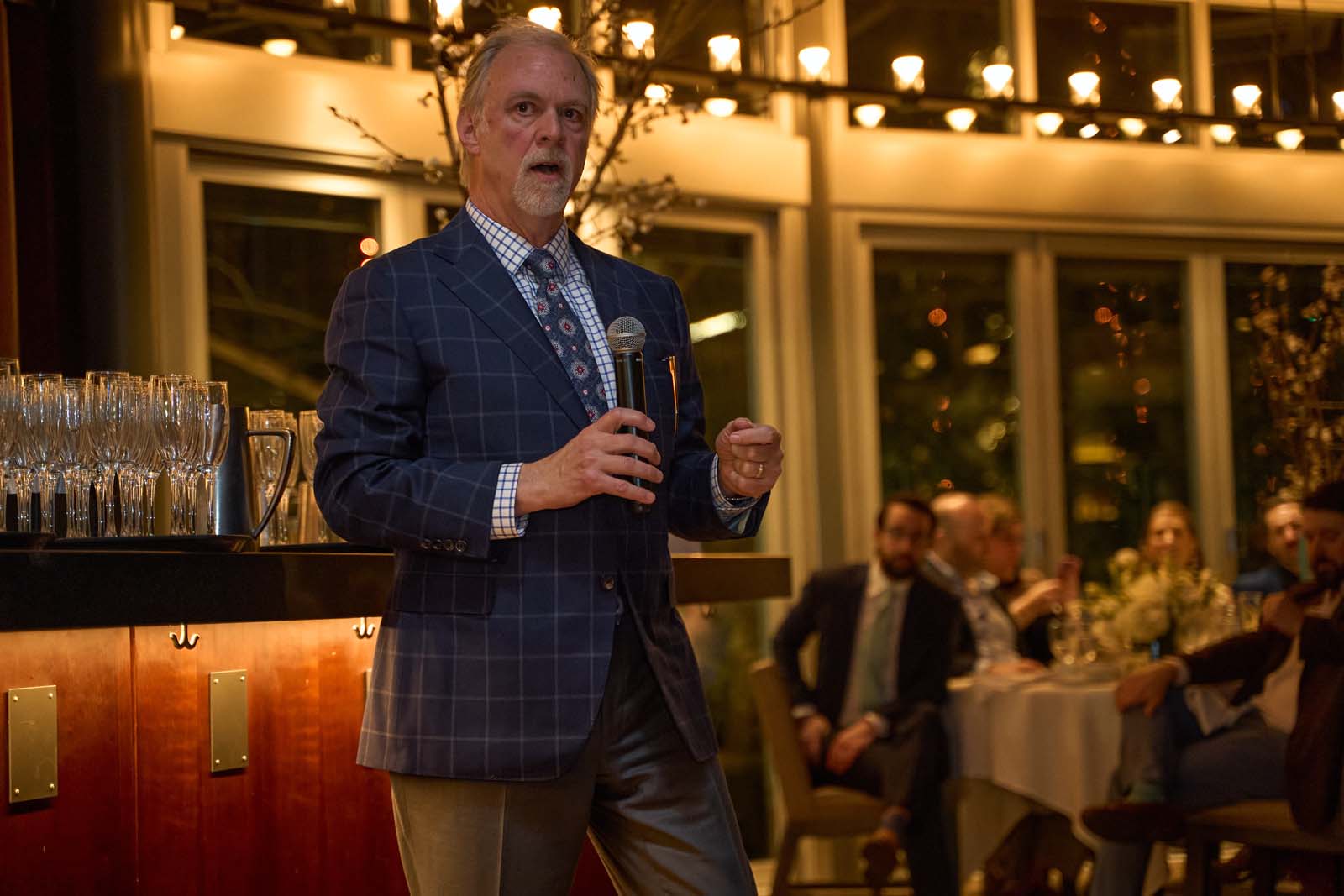
Photo: Core Visuals NYC
Give video enough detail to plan audio
Video planning needs more than speaker names and stage times. The run of show should identify which moments require usable speech, how the room will amplify it, and who manages the event audio. Panels, walk on music, remote speakers, audience questions, and private interviews each create a different recording plan.
A highlight film can work with selected sound bites and atmosphere. A full session recording needs continuous speech from beginning to end. An interview needs a quiet location, a subject window, and time to set it up. Those are different jobs, even when they all appear under the word video.
Useful notes include the microphone format, the AV contact, whether presentation playback carries sound, and where audience questions will come from. The camera team can then plan the appropriate audio path and confirm access with the venue or production partner. The run of show does not replace an audio plan. It tells us where that plan is required.
Connect the schedule to final deliverables
Every major schedule block should connect to the content the event needs afterward. A recap gallery, sponsor report, highlight film, social clip, full session, and speaker portrait set each require different moments. Naming those uses helps the team spend attention where it will create a complete final library instead of equal coverage of everything.
This is where the run of show becomes more useful than a generic shot list. A list may ask for networking, branding, speakers, and audience reactions. The schedule tells us when and where those photographs are possible, which ones carry a sponsor obligation, and what has to happen before a room changes.
For video, the deliverable changes the rhythm of coverage. A short recap looks for movement, transitions, reaction, and enough clean sound to carry the story. A session record stays with the stage and protects continuity. Social clips may require vertical framing or a specific speaker segment. The plan should name the job before the camera begins collecting footage.
Core Visuals builds event scopes around the final work, then connects coverage time and crew to those deliverables. That is why the run of show is useful during quoting as well as production. It gives the scope real boundaries and lets the organizer see what the team is planning to leave behind.
Keep one current version on event day
The best run of show is the version everyone is actually using. Give one person responsibility for schedule changes, keep one current link or file, and tell the camera team what moved. A quick update with the new time, room, and priority is more useful than several polished versions circulating with different truths.
Event schedules change because events contain people. A speaker runs long. A room opens late. The award recipient arrives just after someone has begun searching for them. The goal is not to freeze the day. It is to keep the people covering it aware of the same day.
Name the live contact before doors open. That person does not need to explain every internal decision. They need to communicate changes that affect timing, access, location, or priority. The camera team can adapt quickly when the update is clear and comes from one source.
What to send with the run of show
The run of show works best with a small supporting packet. Add the current room map, priority people, brand or sponsor obligations, access restrictions, deliverable list, and live contacts. Each item should answer a production question. The camera team needs a usable map of the day, not every document the planning committee has ever opened.
- Room map and access. Show entrances, fixed camera areas, portrait locations, restricted zones, and meaningful travel between spaces.
- Priority people and moments. Use reference photos when identification may be difficult, and say why each person matters to the final library.
- Deliverables and deadlines. Name the finished gallery, films, clips, session records, or urgent selects the event expects.
- AV and venue contacts. Identify the people who can answer questions about sound, lighting, stage access, and room changes.
- One live schedule owner. Give the crew one person who can confirm which version and priority is current.
The useful packet is usually shorter than the full planning archive. It gives the camera team enough information to prepare, then enough clarity to adapt when the room changes. That is the real job of the run of show. It lets coverage stay responsive without becoming improvised.
A schedule cannot make the event predictable. It can make the important parts visible. Once the team knows what happens, where it happens, what overlaps, and what the finished work must do, the cameras can follow the day instead of chasing it.
Related Reading
Booking a photographer for an event and still weighing hourly versus a package?
Send over the run of show and we'll price both options out before you commit to either.
See Event Coverage Packages