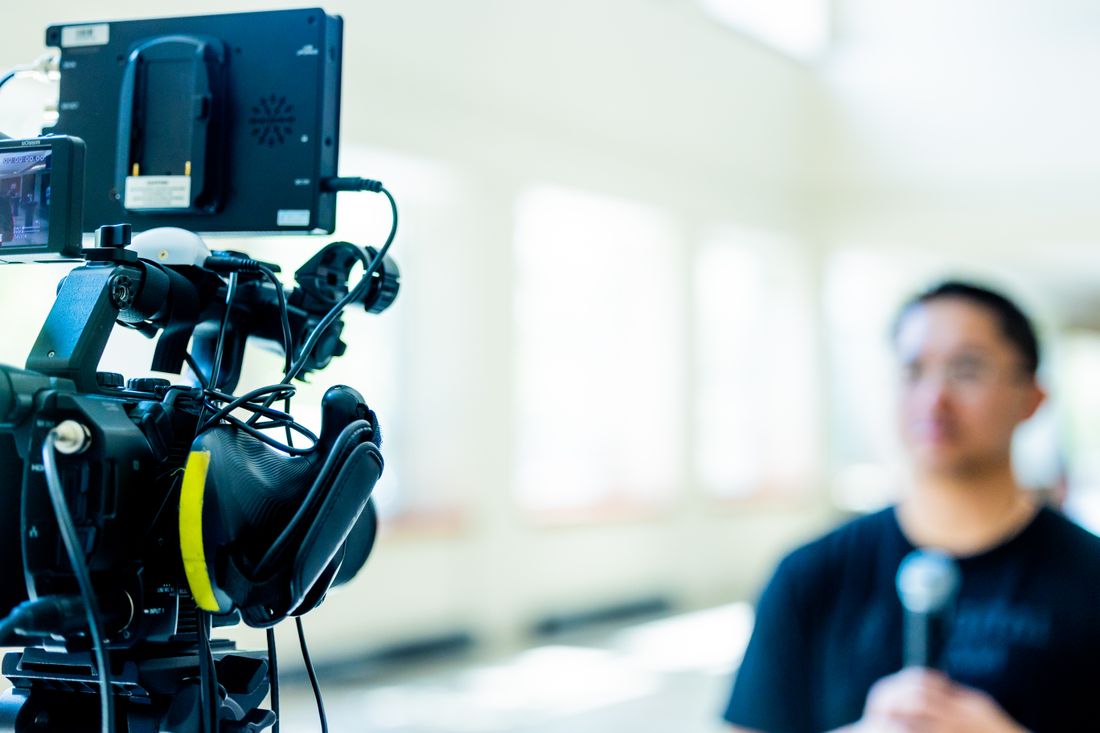
Photo by Caleb Oquendo via Pexels.
The audience never sits in a room with you, so it's easy to assume a webinar only needs a laptop and a link. It still needs light, sound, framing, and a second set of hands watching the feed while you present.
A webinar still needs a production layer even though nobody's in the room: lighting built for a compressed video feed, a camera at the right height and distance, audio treated as the priority (not an afterthought), a local backup recording running independent of the platform, a background that reads as intentional, and someone monitoring the stream so the presenter never has to.
Table of Contents
- A laptop and a video call link aren't the whole production
- Lighting that survives a compressed video stream
- Framing and camera height do more work than people expect
- Audio is the single biggest quality gap in most webinars
- A backup local recording running alongside the platform recording
- A room and background that isn't a bookshelf accident
- Someone watching the stream who isn't the person presenting
- What changes when the webinar becomes clips instead of a one-time watch
A laptop and a video call link aren't the whole production
A webinar looks like it only needs a laptop, a headset, and a meeting link, because the audience never physically sits in a room with the presenter. But every viewer is watching your light, your sound, and your framing through a compressed video feed, and none of that improves on its own just because nobody's there in person.
In practice, the remote format hides the production layer instead of removing it. Someone filmed in a conference room with bad light still looks bad in the room, and on the recording, but a live audience forgives a lot that a screen recording doesn't. A webinar has no in-person impression to soften a blown-out window or a mic that clips every few words. The recording is the entire product, full stop. Viewers size up credibility fast, and a rough feed reads as unprepared even when the content itself is strong. We treat webinar and virtual-event production as its own category at Core Visuals, not a scaled-down version of in-room event coverage. The gear changes, the workflow changes, but the standard (does this look and sound like a real production) doesn't move just because the room is empty.
Lighting that survives a compressed video stream
Lighting that looks fine to your own eyes in a home office often falls apart once a streaming platform compresses it, because compression punishes exactly the problems soft overhead light creates: mixed color temperatures, harsh shadows, and a face dimmer than the wall behind it. A small kit built for camera, not for the room, fixes all three.
A window behind a presenter is the most common offender. It forces the camera to expose for the bright background and drop the face into shadow, and once that footage is compressed for streaming, the shadow areas turn muddy and blocky. A crew brings a key light positioned to match (or beat) any window light, plus a softer fill so the shadows read as dimension instead of murk, not a wall-wash meant to light a whole room evenly. The color temperature also has to be consistent, because a compressed stream amplifies any clash between a warm lamp and a cool laptop screen glow into a visible color shift on camera. None of this requires a big kit. It requires light aimed at the one thing viewers are actually looking at.
Framing and camera height do more work than people expect
A camera set at laptop height, angled up from below eye level, is one of the most common webinar mistakes, and it's an easy one to miss because the presenter never sees their own feed from the audience's angle. Camera height at or slightly above eye level, with a deliberate amount of headroom, changes how authoritative someone reads on screen.
Distance matters just as much as height. A camera too close distorts a face in a way that reads as amateur; a camera too far turns a presenter into a small figure lost in a big background, which undercuts exactly the connection a webinar is trying to build. A crew sets this once, checks it against the actual platform window (not just the raw camera preview, which can crop differently once it hits the meeting software), and locks it down so a presenter never has to think about it again mid-talk. That's the part a solo presenter genuinely can't do for themselves. You can check your framing before you go live, but you can't watch it while you're also thinking about your slides and your points.
Audio is the single biggest quality gap in most webinars
Viewers forgive imperfect lighting far more readily than they forgive bad audio, because rough audio is fatiguing in a way rough video isn't. A slightly soft picture is still watchable, but a room-echo voice or an intermittent laptop-mic crackle makes people click away inside the first minute. Audio is where a webinar's production budget should go first, not last.
A dedicated microphone positioned close to the presenter, run through a proper interface rather than a built-in laptop mic, is the single biggest jump in perceived quality available for the least effort. It's also the piece a solo presenter is worst positioned to manage live. You can't hear your own echo the way a remote viewer hears it, and you have no way to catch a mic bump or a dropout mid-sentence while you're also presenting. A crew is listening on isolated headphones the entire time, watching audio levels the way a presenter is watching their slides, and can flag or fix a problem before it ruins ten minutes of a recording nobody can easily fix after the fact.
A backup local recording running alongside the platform recording
Every webinar platform's built-in recording is a single point of failure. A dropped connection, a corrupted file, or a platform-side processing error can cost the entire session, and it usually isn't discovered until after the fact, when there's no fixing it. A second, local recording running independently on a separate machine is the insurance against that.
This isn't a hypothetical. Platform recordings depend on a stable connection for the full duration of the event, and a webinar can run 45 minutes to an hour with no room to redo a segment if something drops midway through. A local backup captures clean camera and audio directly at the source, independent of upload speed or platform processing, so if the platform-side file has an issue, there's still a full, camera-quality recording to edit from. It's a small, unglamorous piece of the setup, but it's the difference between a bad connection being a footnote and it being the reason a session has to be redone. A crew runs this as a matter of course, not as a special request.
A room and background that isn't a bookshelf accident
What's behind a presenter communicates almost as much as what they're saying, and most webinar backgrounds happen by accident (whatever wall was closest to the desk, whatever bookshelf was already there). A background chosen on purpose, with some depth and separation from the presenter, reads as intentional in a way a flat wall or a cluttered shelf doesn't.
This doesn't mean a branded set or a green screen. It usually means picking the right spot in an existing space, adding some distance between the presenter and the wall behind them so the lighting can create depth, and clearing out whatever's randomly in frame (a half-visible whiteboard, a stack of boxes, anything that pulls a viewer's eye away from the person talking). A crew scouts this before the day, checks it through the actual camera lens rather than a general impression of the room, and adjusts framing around what's already there rather than trying to redecorate. The goal isn't a polished set. It's a background that looks chosen, not stumbled into.
Someone watching the stream who isn't the person presenting
A solo presenter cannot watch their own stream while presenting. They can't see if the platform dropped a connection, if slides stopped advancing on the viewer's end, or if a chat question is piling up unanswered, because their attention has to stay on the talk itself. Someone watching the actual output is not optional once anything can go wrong.
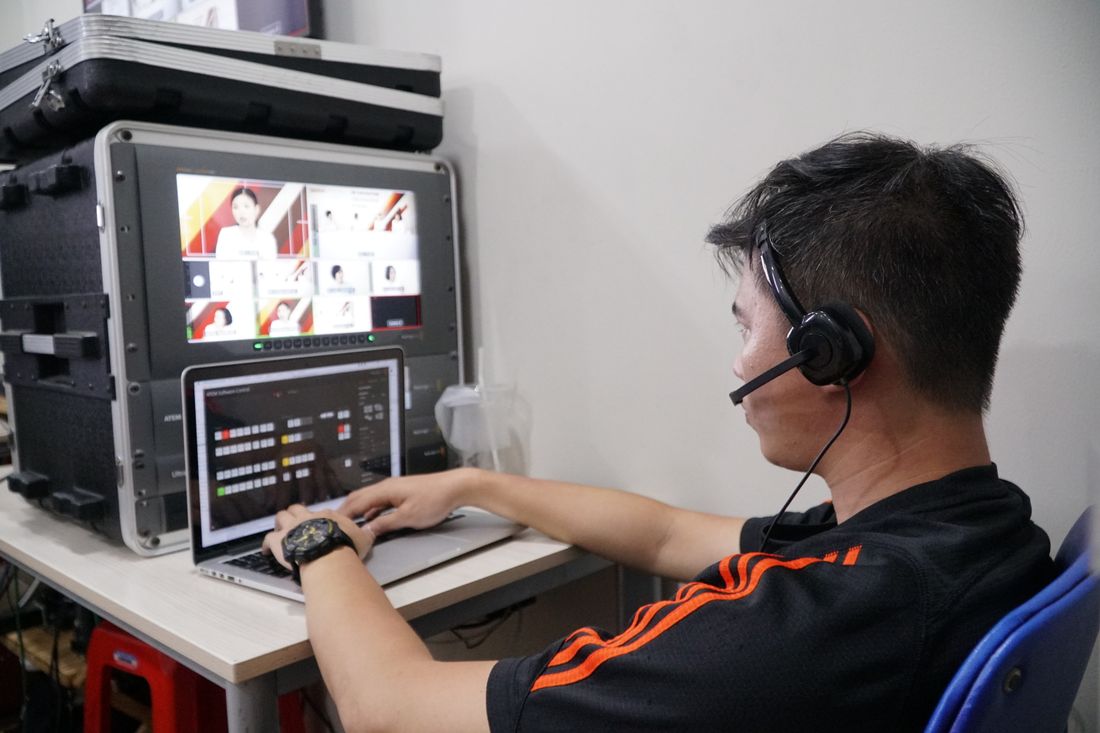
In practice this means a second person monitoring the live feed on a separate device, confirming audio and video are actually reaching viewers (not just that the presenter's local preview looks fine), flagging technical issues in real time, and handling anything that needs a response (a chat question, a platform prompt, a connection hiccup) without interrupting the presenter's flow. It's a small role compared to camera or lighting, but it's the one thing that can't be automated or pre-set the way a light or a mic position can. A presenter focused on their material and a second set of eyes focused on the delivery is a different level of reliability than one person doing both at once.
What changes when the webinar becomes clips instead of a one-time watch
A webinar that's only ever watched live, once, in real time, has different production priorities than one that's going to be cut into shorter clips afterward. Live-only sessions can tolerate small imperfections that resolve themselves as the talk moves on; footage meant for repurposing has to hold up frozen on a single frame, replayed, and judged out of context.
For a session going straight to clips, framing needs enough consistency and headroom that a clip editor can crop tighter without losing the presenter's face, lighting needs to stay even for the full runtime rather than drifting as natural light changes through the session, and the local backup recording stops being optional insurance and becomes the actual source file the edit gets built from. Platform recordings are rarely clean enough to cut cleanly. Knowing in advance which category a session falls into changes camera choices, lighting setup, and what gets flagged as a problem worth stopping for versus something to let go. A crew planning for repurposing from the start avoids re-shooting or settling for platform-quality footage later.
Frequently Asked Questions
Do I need a professional crew for a webinar, or can I run it myself?
It depends on what's riding on it. A low-stakes internal session can run solo with decent gear and a quiet room. A webinar meant to represent your brand, sell something, or get repurposed into clips afterward benefits from a second set of hands (someone who can manage lighting, audio, and stream monitoring while the presenter focuses only on presenting), instead of splitting attention between the talk and troubleshooting a dropped connection or a dead mic.
What's the minimum crew for a webinar or virtual-event production?
Often just one person beyond the presenter: someone handling camera framing, lighting, and audio setup before the session starts, then monitoring the live stream and backup recording throughout. That single role covers the gaps a solo presenter can't cover for themselves (watching the actual viewer-side feed, catching technical issues in real time, and managing the backup recording) without requiring a full multi-person production team for every session.
Does a backup local recording really matter if the platform already records?
Yes. Platform recordings depend on a stable connection for the entire session and can fail silently. A dropped upload or a processing error often isn't discovered until it's too late to fix or redo. A local recording captures clean camera and audio directly at the source, independent of upload speed or platform processing, so a connection issue becomes a footnote instead of a lost session and a session that has to be scheduled all over again.
How is lighting different for a webinar compared to an in-person video shoot?
The core principles are the same, but a webinar has to account for compression, which punishes shadows and mixed color temperatures more than raw, uncompressed footage does. Lighting also has to solve the common home-office problem of a window behind the presenter, which forces the camera to expose for the bright background and drop the presenter's face into shadow (a problem that gets worse, not better, once the feed compresses for streaming).
What if my webinar will only ever be watched live and never repurposed?
The core layer (lighting, audio, framing, and someone monitoring the stream) still matters just as much, since that's what viewers actually experience in real time. What changes is the backup recording and frame consistency: a live-only session can tolerate small imperfections that resolve themselves as the talk moves forward, while footage meant for later clips has to hold up frozen on a single frame and re-cut out of context.
Related Reading
Got a launch coming up and no clear shot list yet?
Walk us through where the content needs to show up, site, LinkedIn, press, or a launch page, and we'll put together the scope and the price before you book anything.
See Personal Branding & Launches