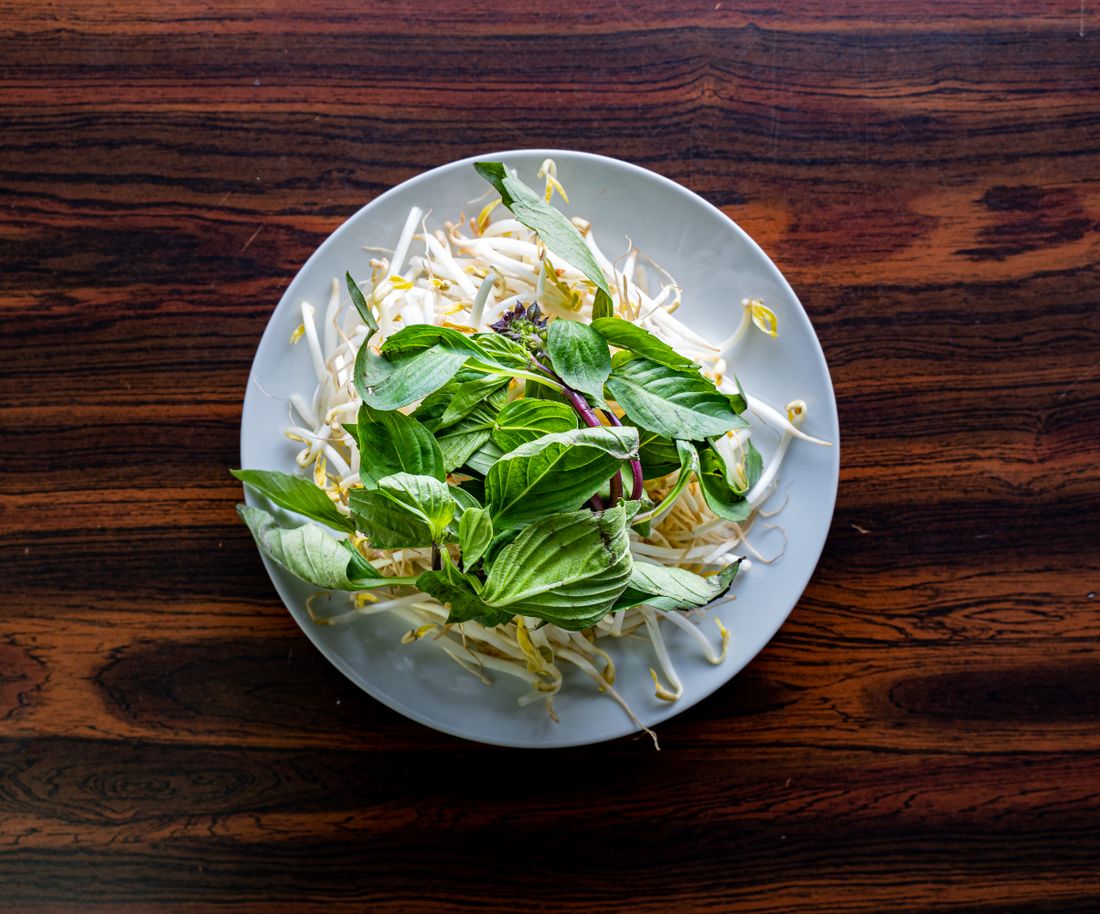
Photo by Alberta Studios via Pexels.
A rejected menu photo is annoying. A menu photo that gets a listing flagged, or a plated dish that doesn't look like what shows up at the door, is a bigger problem, and delivery apps have quietly gotten stricter about both. DoorDash, Uber Eats, and Grubhub each publish their own photo rules, and each has added AI photo tools to its merchant dashboard in the past two years, which raises the obvious question: what's actually allowed. We read all three platforms' current merchant help pages for this post and pulled the rules that matter, cited and dated, instead of paraphrasing a summary written by someone else.
DoorDash, Uber Eats, and Grubhub each require real photos of the actual dish, not stock images or AI-generated pictures, though none names AI directly in its rules. DoorDash and Uber Eats allow AI-enhanced editing of a real photo. Grubhub screens submissions with reverse image search. Read the platform's own current page before you shoot.
Table of Contents
- What Delivery Apps Actually Require From Menu Photos
- DoorDash's Photo Rules and Its Own AI Tools
- Uber Eats' Accuracy Standard
- Grubhub's Actual-Food Rule and Reverse Image Search
- What "AI-Enhanced" Safely Means vs. "AI-Generated"
- Why Accuracy Protects You Beyond the Platforms
- What to Do When a Photo Gets Rejected
- Shooting a Menu So It Passes Everywhere, Once
What Delivery Apps Actually Require From Menu Photos
DoorDash, Uber Eats, and Grubhub all require a real photograph of the actual dish you're selling, not a stock image, illustration, or a picture generated from a text prompt. Basic editing, cropping, exposure, background cleanup, is fine on all three. An image that looks obviously synthetic risks rejection or removal, even without a platform ever using the words "AI-generated."
None of the three platforms bans AI by that exact name in their public rules. What they publish instead is older and blunter: the photo has to be of the item, has to be one you have rights to, and has to show what a customer actually gets. Those requirements predate the AI photo tools now built into merchant dashboards, and they still do the work of keeping fabricated dishes off a menu, whether the fabrication came from a stock library or a diffusion model.
We read the current merchant help pages for all three platforms in August 2026 for this post, and cite each one directly below rather than paraphrasing secondhand summaries. Rules on these pages change without much notice, so treat the dates here as a snapshot, not a permanent record.
DoorDash's Photo Rules and Its Own AI Tools
DoorDash requires menu photos to clearly show the item in proper lighting with no text or overlays, on a neutral, non-distracting background, and its published rejection criteria add specifics: minimum 1,400 by 800 pixels, landscape 16:9 framing, at least 80 percent of the item visible, no people in frame, and "original images that you own the rights to." At the same time, DoorDash sells merchants its own AI photo editing suite.
That combination is worth sitting with. DoorDash's help center lists common rejection reasons including wrong size, harsh shadows, watermarks, and photos that don't show "exactly what is included with the menu item." Source: DoorDash Merchant Help Center, "Why Your DoorDash Menu Photos Were Rejected," checked August 2026. Separately, its Smart Photo Tools article describes AI Retouch, which cleans up background, lighting, and sharpness, and AI Replate, which re-stages a dish on different dinnerware. Source: DoorDash Merchant Help Center, "Enhance Your Menu Photos with Smart Photo Tools," checked August 2026. Both tools work on a photo you already took. A rejected photo still gets emailed to the merchant with a reason, and can be replaced or sent back for review.
Uber Eats' Accuracy Standard
Uber Eats requires each menu photo to "accurately represent a single item" from the menu, framed centered with the item filling most of the shot, no logos, watermarks, or text anywhere in frame, and no people other than a hand. The rule is phrased around accuracy and framing rather than around how the image was produced, but a synthetic image of a dish that doesn't exist as photographed fails the accuracy test on its face.
Source: Uber Help Center, "Merchant Submitted Menu Catalog Photo Guidelines," checked August 2026. The same page sets technical specs: 5:4 to 6:4 aspect ratio, JPG, PNG, or GIF, under 10 MB, height between 440 and 10,000 pixels and width between 550 and 10,000 pixels. Uber Eats also states the merchant must own or hold usage rights to the image, which rules out a straight pull from a stock library the same way it would rule out a competitor's photo. The page doesn't use the word "AI" at all; the accuracy language is doing that job on its own.
Grubhub's Actual-Food Rule and Reverse Image Search
Grubhub's help center states plainly that "all images except for the logo should be photos of food," and separately rejects photos of coupons, weekly specials, or the restaurant's interior or exterior. Photos are square, 1:1, at least 200 by 200 pixels, saved as a PNG. Grubhub also runs a specific duplicate check most merchants don't expect: it flags any image that "returns matching URLs from reverse Google image search."
Source: Grubhub for Restaurants, "Getting Started With Your Grubhub Menu," checked August 2026. That reverse-search step is the most concrete anti-fabrication mechanism any of the three platforms discloses. It's built to catch a photo pulled from a stock site or another restaurant's page, but a fully AI-generated image that has never appeared online before would not necessarily trigger it. What would catch it is the underlying rule stated first: it has to be a photo of food, and specifically the food this menu item is. Submissions move through a queue marked Approved, In Review, or Rejected before they go live.
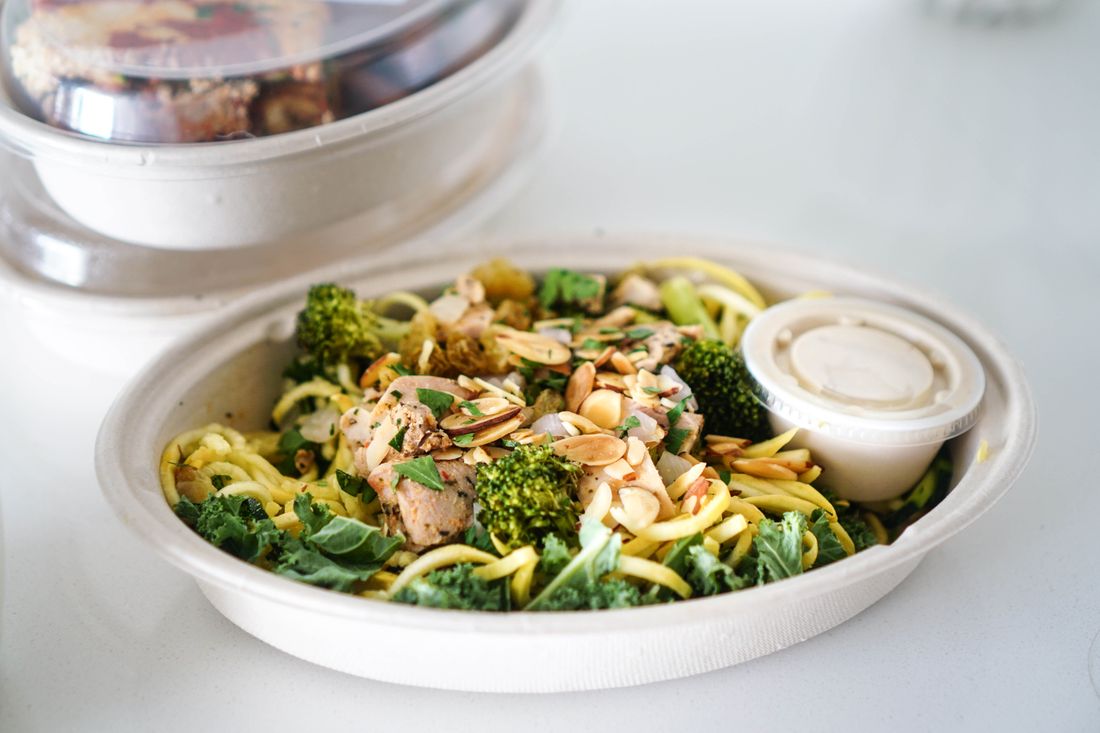
Photo by Loren Castillo via Pexels.
What "AI-Enhanced" Safely Means vs. "AI-Generated"
AI-enhanced means a real photo of your actual dish, cleaned up: sharper focus, corrected lighting, a swapped background, maybe a tidier plate. AI-generated means the image, or the food in it, was synthesized rather than photographed, whether from a text prompt or built up from a reference that isn't the dish being sold. Every platform rule cited above tolerates the first case and works against the second, even where the word "AI" never appears.
DoorDash's own glossary of photo terms does not define "AI-enhanced" or "AI-generated" as distinct categories; it documents the Photo Editor's auto-enhance, crop, and background tools without drawing that line explicitly. Source: DoorDash Merchant Help Center, "DoorDash Menu Photo Terms (Glossary)," checked August 2026. That's a gap worth knowing about going in: no platform hands merchants a clean legal definition. The practical test each one actually applies is closer to "does this photo show the real item," which is a harder standard to game than it looks, and an easier one to explain to a customer who asks.
Why Accuracy Protects You Beyond the Platforms
A rejected photo costs you a resubmission. A published photo that doesn't match what arrives at someone's door costs you a customer, a bad review, and sometimes worse. In one widely reported case, a San Francisco restaurant's storefront menu board using AI-generated food images drew public backlash and was vandalized after customers online called out how unappetizing and unreal the pictures looked. Source: reporting on the incident via NBC Bay Area, "SF restaurant receives backlash after using AI for menu pictures," checked August 2026.
The Federal Trade Commission oversees general false-advertising law, and reporting on the trend has raised the question of where embellishment ends and misleading imagery begins for AI-generated food photos; this is a description of that reporting, not legal advice, and nothing here should be read as a ruling on any specific photo. Source: Ravenous, "Is That Restaurant's AI Slop False Advertising?," checked August 2026; and HuffPost, "AI-Generated Food Photos Are Ruining Restaurant Menus," checked August 2026. The platforms' own rejection queues are the smaller risk here.
What to Do When a Photo Gets Rejected
Read the rejection email first; all three platforms send a specific reason, and that reason tells you whether to re-shoot, re-crop, or appeal. A framing, lighting, or size problem is a crop-and-resubmit fix, usually same-day. A rejection for showing the wrong item, a watermark, or a background that doesn't read as the actual product means the photo itself is wrong and needs a re-shoot, not an edit.
DoorDash's process lets a merchant upload a corrected photo or click Request Review to send the same image back for a second look, which is the right move only when you believe the first rejection was a mistake, not when the photo genuinely breaks a rule. Source: DoorDash Merchant Help Center, "Why Your DoorDash Menu Photos Were Rejected," checked August 2026. Grubhub and Uber Eats route corrections back through their standard photo upload flow rather than a separate appeal, so on those two, plan on a straightforward resubmission instead of a dispute. Whichever platform, don't resubmit the same file twice hoping a second pass reads differently; automated and human review both tend to flag it again for the same stated reason, which just costs another review cycle before the item can go live.
Shooting a Menu So It Passes Everywhere, Once
Shoot every dish the same way and you clear all three platforms' rules with one photo set: one item per frame, centered, filling most of the shot, on a plain or lightly textured surface, in even daylight with no harsh shadows. That single setup satisfies DoorDash's 16:9 landscape and 80-percent-visible rule, Uber Eats' single-item centered framing, and Grubhub's 1:1 crop, since a clean, well-composed original can be cropped either way without losing the shot.
Keep every frame free of menus, receipts, printed text, logos, hands holding phones, or screens, since several platforms reject overlays and text outright and a shot with a phone or a screen in it reads as a customer photo, not a menu photo. Batch the shoot: same light, same background, same distance from the plate, dish after dish, so the whole menu looks like one consistent set instead of photos from five different days. That consistency also happens to be what a customer notices first, before they ever think about which platform they're ordering from.
Frequently Asked Questions
Are AI-generated food photos allowed on delivery apps?
None of DoorDash, Uber Eats, or Grubhub explicitly bans the phrase "AI-generated" in their public rules, but each requires photos to be real, accurate images of the actual item, which a synthesized image typically fails. DoorDash requires "original images that you own the rights to." Uber Eats requires photos to "accurately represent" the actual menu item. Grubhub requires "photos of food" and screens submissions with reverse image search. In practice, a synthetic image gets caught by these existing accuracy rules.
Can I use stock photos on DoorDash, Uber Eats, or Grubhub?
No. All three require the merchant to own or hold rights to the photo and to show the actual item being sold, not a generic stand-in. DoorDash's rejection criteria require "original images that you own the rights to." Uber Eats requires ownership or usage rights. Grubhub runs submissions through reverse Google image search specifically to catch photos that already exist elsewhere online, including stock libraries, and flags any match it finds.
Why was my menu photo rejected?
The rejection email states a specific reason: usually wrong size or aspect ratio, poor lighting, a watermark or text overlay, more than one item in frame, or a photo that doesn't match what the item actually includes. Check that reason before resubmitting. A technical issue, like framing or file size, is a quick re-crop. A content issue, like the wrong dish or a visible logo, needs a re-shoot, not an edit.
Do AI-enhanced photos count as real photos?
Generally yes, when the enhancement is applied to a real photo of the actual item. DoorDash's own Smart Photo Tools, including AI Retouch and AI Replate, work by editing a photo the merchant already uploaded, adjusting lighting, background, and plating without swapping in a different dish. That's different from generating an image from a text prompt with no underlying photo, which risks failing the "original" and "accurate" requirements every platform states.
How many dishes should be photographed for a delivery menu?
Platforms don't set a required minimum, but every item a customer can order benefits from its own photo, since delivery-app data generally shows items with photos get ordered more than items without one. Prioritize your best sellers and any dish with a name that doesn't describe itself, like a signature sandwich or a composed plate, ahead of straightforward items like a bottled drink or a side.
Related Reading
Planning a shoot for your restaurant, bar, or drink brand?
Tell us what's on the menu and where the images need to run (site, delivery listings, social, or press) and we'll build the shot list around that before anyone fires up the kitchen.
Ask About Your Shoot