Photo: Core Visuals NYC
Every fall, someone building a nonprofit's annual report opens a year of photo folders looking for one specific program and finds three tight verticals and no context shot. That gap isn't bad luck. It's the predictable result of shooting all year for social media and hoping December's selects double as the report's raw material.
Shooting events with the annual report in mind means treating it as a fifth audience for every shoot, not a December afterthought: horizontal frames with copy space for the designer, coverage that reaches every program before autumn, consent that covers a printed document, and export resolution decided the day the photo is taken, not the day it's needed.
Table of Contents
- Why the Annual Report Always Comes Up Short in the Same Way
- Event Photographers Shoot Tight and Vertical; a Report Needs Wide and Horizontal
- Why a Program Can Go a Full Year Without a Single Usable Photo
- Consent for a Printed Annual Report Isn't the Same as Consent for a Social Feed
- Print Resolution Is a Decision Made Months Before Anyone Opens a Layout File
- Building a Standing Shot List That Travels to Every Event
- A Mid-Year Gap Review Beats a December Scramble
- Naming the Annual Report as an Intended Use From the First Booking
Why the Annual Report Always Comes Up Short in the Same Way
The annual report gets built every fall from a year of photos shot for something else (a social post, a website refresh, a same-day recap) not for the report. It falls short the same four ways: frames too tight to lay out, missing programs, uncertain consent, and files too small for print.
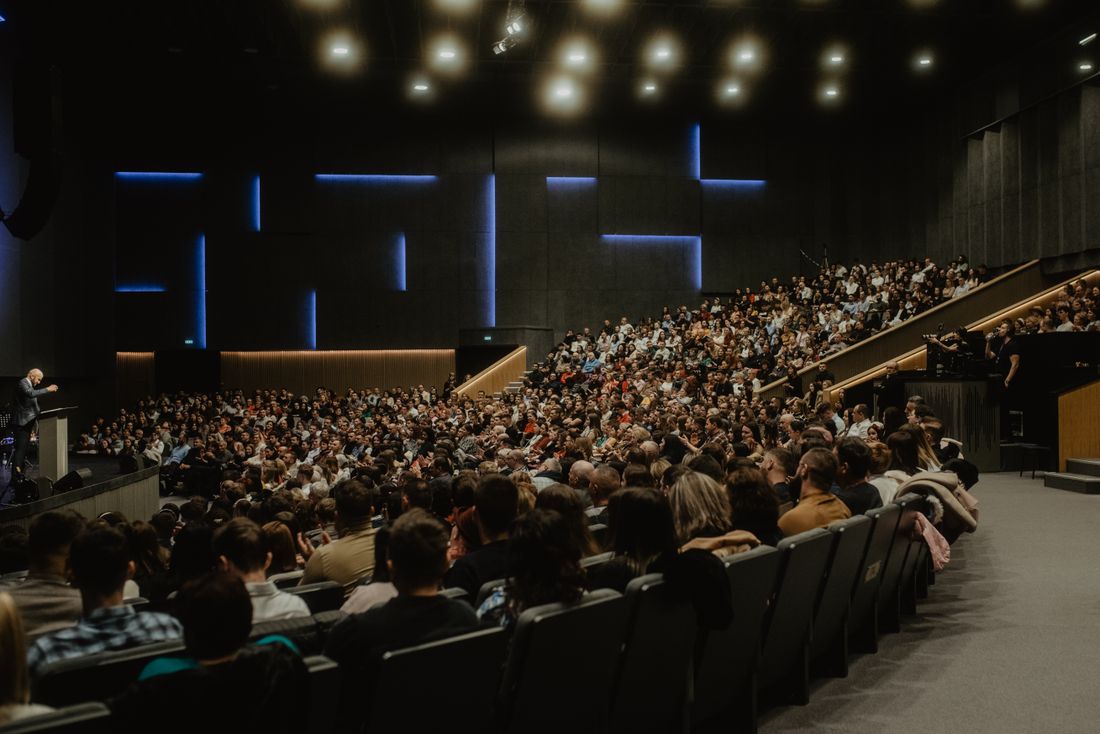
This isn't a failure of any single event's coverage. A gala photographer does exactly what a gala needs, things like tight verticals for the recap post, energy over context, whoever's in front of the lens that hour. A report designer needs something different: wide horizontal frames with open sky or wall space for a headline, a full year of programs represented evenly, people who agreed to appear in a printed piece with their organization's name on it, and files exported large enough to hold up at eleven by seventeen. None of those needs are visible from inside a single event. They only show up in September, when someone opens the year's photo folders looking for a specific program's coverage and finds three verticals and no context shot.
Event Photographers Shoot Tight and Vertical; a Report Needs Wide and Horizontal
A report designer needs horizontal frames with negative space for a headline, a pull quote, or a page number, room the layout can use. Event photographers default to tight, vertical crops because that's what a phone screen and a social feed reward, which is the opposite of what a designer can drop into a horizontal page spread.
That mismatch isn't a matter of taste. It's how each medium is built. A phone-first feed rewards a tight vertical frame that fills the screen with a face or a moment, and nothing in that composition leaves room for a caption. A print spread needs the opposite: empty sky, blank wall, or open floor somewhere in the frame for a designer to lay text over without covering a subject's face. A photographer shooting purely for same-day social content has no reason to leave that space. It just reads as wasted frame on a phone. The fix isn't reshooting old photos or asking anyone to give up verticals. It's building a handful of deliberately wide, horizontal frames into the same event, shot alongside the tight ones, so the report has usable material without taking anything away from what social needed.
Why a Program Can Go a Full Year Without a Single Usable Photo
An annual report needs every program represented, not just the ones that happen to host galas or ribbon-cuttings. Coverage tends to cluster around an organization's biggest, most photogenic events, which means a smaller program can run an entire year without a single photo that a designer can actually use, and nobody notices until the report is due.
This happens for an ordinary reason: a photographer gets booked to whatever event has a budget line and a request attached, and smaller programs (a weekday tutoring session, a case-management meeting, a food-pantry shift) rarely get their own booking the way a gala does. By September, the development team has hundreds of images from three big events and almost nothing from the programs that make up most of the organization's actual work. A designer facing that gap has two bad options: reuse the same handful of photos across multiple pages, or run stock photography next to real coverage of everything else, which reads as exactly what it is. Catching the gap while there's still time to shoot for it is the only real fix, and that only happens if someone is checking coverage against the program list before autumn.
Consent for a Printed Annual Report Isn't the Same as Consent for a Social Feed
A person photographed at an event may have agreed, implicitly or explicitly, to appear in a same-day social post. That isn't the same as consenting to appear in a printed document sent to donors and funders with their name attached, and a report team that assumes otherwise invites a late request to pull a photo.
Clients and program participants often read those two uses differently, whether or not an organization's release form technically covers both. A photo on Instagram disappears into a feed within a day; the same face on page six of a printed report mailed to a donor list feels more permanent, and a subject who was fine with one may not be fine with the other. The practical fix is naming the intended use at the moment of the photo, not after, since a program participant asked whether a photo can go in the annual report gives a real answer, where a blanket release signed months earlier doesn't say which specific use a person had in mind. Sorting that out during production is easier than during layout, when a designer has already built a page around a face that needs to come out.
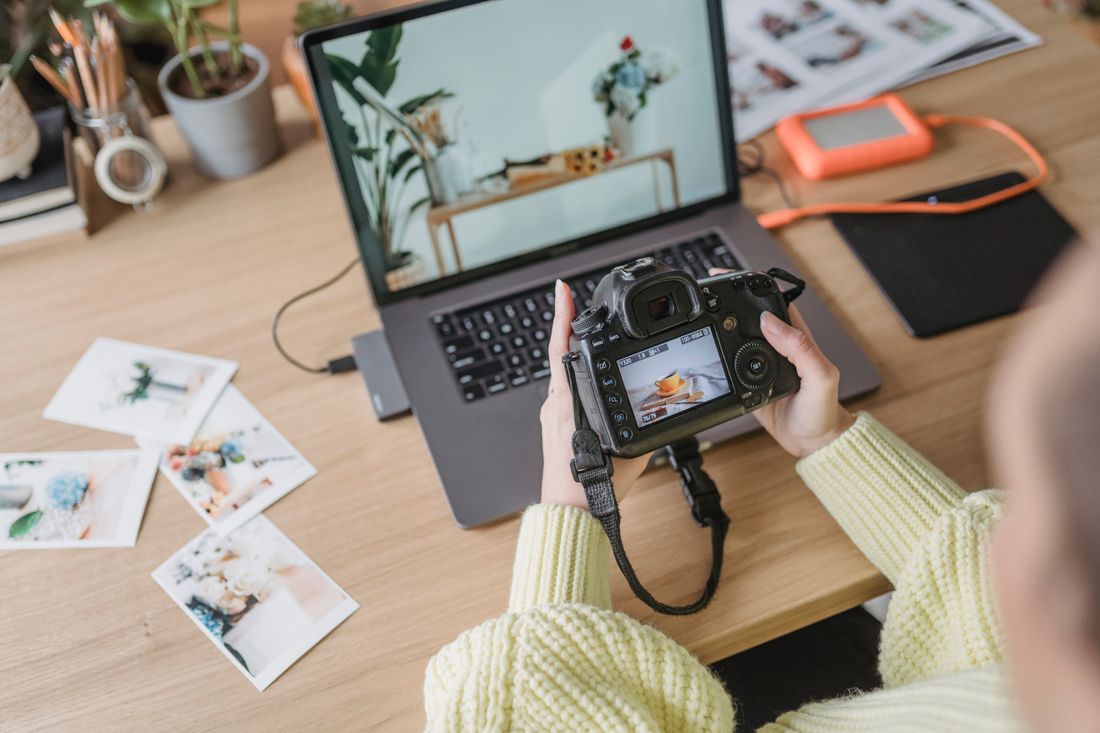
Photo by George Milton via Pexels.
Print Resolution Is a Decision Made Months Before Anyone Opens a Layout File
Whether a photo can run full-page in a printed annual report is decided at export, not in December when the designer needs it. A file sized small for a fast website upload can't be resized up for print later. The resolution has to exist from the day the photo was shot and processed, or it never will.
Most event photography gets exported twice, at most: a compressed web-size version for the same-day recap, and maybe a slightly larger version if someone remembers to ask. Neither is sized for a print spread, which typically needs files well above what a website ever calls for, closer to what a photographer would export for a printed portfolio than for a blog post. Nobody making that export decision in March is thinking about a report that gets designed in October, so the habit that actually solves this is exporting a full-resolution master alongside the web version every time, even when nothing about that day's event obviously calls for print. Storage is cheap; a photo that exists at low resolution only cannot be fixed after the fact, no matter how good the original shot was.
Building a Standing Shot List That Travels to Every Event
A standing shot list is a short, fixed set of report-specific shots (a horizontal establishing frame, a named program in action, a recognizable board or staff face, a wide room shot with copy space) that a photographer carries into every event of the year, not a list rebuilt from scratch each time.
The point of keeping it standing rather than custom-built per event is that nobody has to remember the report exists mid-gala or mid-site-visit. The list already says what to get. A workable version stays short: five or six items that apply almost anywhere, plus a line for whichever program that event happens to represent. It travels with the photographer the same way a client's must-have shot list does for any event, checked at the end of coverage rather than trusted to memory. Organizations that keep this list evolve it slightly year to year (dropping a program that's wound down, adding one that's grown) but checking it against every event, not just the flagship ones, is what actually closes the gap the report keeps hitting every fall.
A Mid-Year Gap Review Beats a December Scramble
A mid-year gap review means sitting down around June or July, laying the year's photo folders next to the program list, and checking which programs already have usable coverage and which don't, while there's still time to book a shoot, not in December when the report is already overdue.
The alternative is what most organizations actually do: nobody looks at the coverage gap until a designer starts building pages in October and discovers a program has nothing usable. At that point the options are bad, things like reuse an old photo from two years ago, book a rushed shoot that reads as staged because everyone knows the camera showed up just for the report, or run stock photography next to real coverage of everything else. A mid-year check costs less than an hour: pull the program list, pull the photo folders, and mark what's missing. Anything flagged in July can still be folded into a program's next regular event rather than requiring its own dedicated shoot, which is both cheaper and more natural-looking than a one-off session booked specifically to fill a hole six weeks before layout starts.
Naming the Annual Report as an Intended Use From the First Booking
Telling a photographer up front that a shoot's output may end up in the annual report changes what they frame, export, and ask consent for that day, things like wider margins, a full-resolution master, a signed release that actually covers print. Saying nothing and hoping December's selects work out is why the report keeps falling short in the same predictable ways.
This is a nonprofit-specific problem mostly because nonprofits carry the highest stakes for it, since the annual report is often the single document a board and a funder both read, built from a year of coverage that mostly existed for other reasons. But the mechanics are identical for a company producing an internal or shareholder report: whoever coordinates event photography across the year needs to know in January that October's report will need horizontal frames, program-by-program coverage, and print-ready files, not find out in September. The fix in both cases is the same short conversation, repeated at every booking: this shoot's output may go in the annual report, so frame wide when it makes sense, export a full-resolution master, and confirm the release covers print. That one sentence, said early and often, is cheaper than any scramble it prevents.
Frequently Asked Questions
Why do photos shot all year for social media rarely work in the annual report?
Social media rewards tight, vertical frames that fill a phone screen, exactly the opposite of what a designer needs. An annual report layout wants horizontal images with open space for a headline or pull quote, plus consistent coverage of every program rather than whichever event happened to draw a photographer that week. Photos shot purely for same-day social posts rarely include either, because nobody asked for them at the time the camera was actually rolling.
How do we know if a program is missing from the year's photo coverage?
The simplest way is to lay the program list next to the year's photo folders around mid-year and check which programs already have usable, recent images and which don't. Coverage naturally clusters around an organization's biggest, most photogenic events (a gala, a ribbon-cutting) while smaller programs like a weekday tutoring session can go a full year without a single shot. Catching that gap in June still leaves time to book coverage before the report goes to layout.
Is a standard consent form enough to use someone's photo in a printed annual report?
Not necessarily. A blanket release signed months before an event often doesn't specify whether a photo can appear in a printed document mailed to donors and funders with someone's name attached. That's a different, more permanent use than a same-day social post, and some subjects who were comfortable with one aren't comfortable with the other. The clearer approach is naming the printed report as an intended use at the moment the photo is taken, not after.
What resolution does a photo need to run in a printed annual report?
A file exported small for a fast website upload or a same-day social post typically can't be resized up for print later without visible quality loss. The resolution has to exist from the day it was shot and processed. A photo intended for a printed annual report needs a full-resolution master exported alongside the web-size version, closer to what a photographer would export for a printed portfolio than for a blog post.
Does this apply to a corporate annual report, or just nonprofits?
The mechanics are the same. A corporate annual or shareholder report has the same needs as a nonprofit's, things like horizontal frames with copy space, coverage across the year's departments or initiatives rather than just the flagship events, and print-ready resolution decided at export. Whoever coordinates event photography across the year needs to know in January what the fall report will require, rather than discovering the gap once a designer starts building pages.
Related Reading
Not sure if hourly or a package makes more sense for your event?
Tell us the expected length, and we'll run the actual numbers before you book.
See Event Coverage Packages