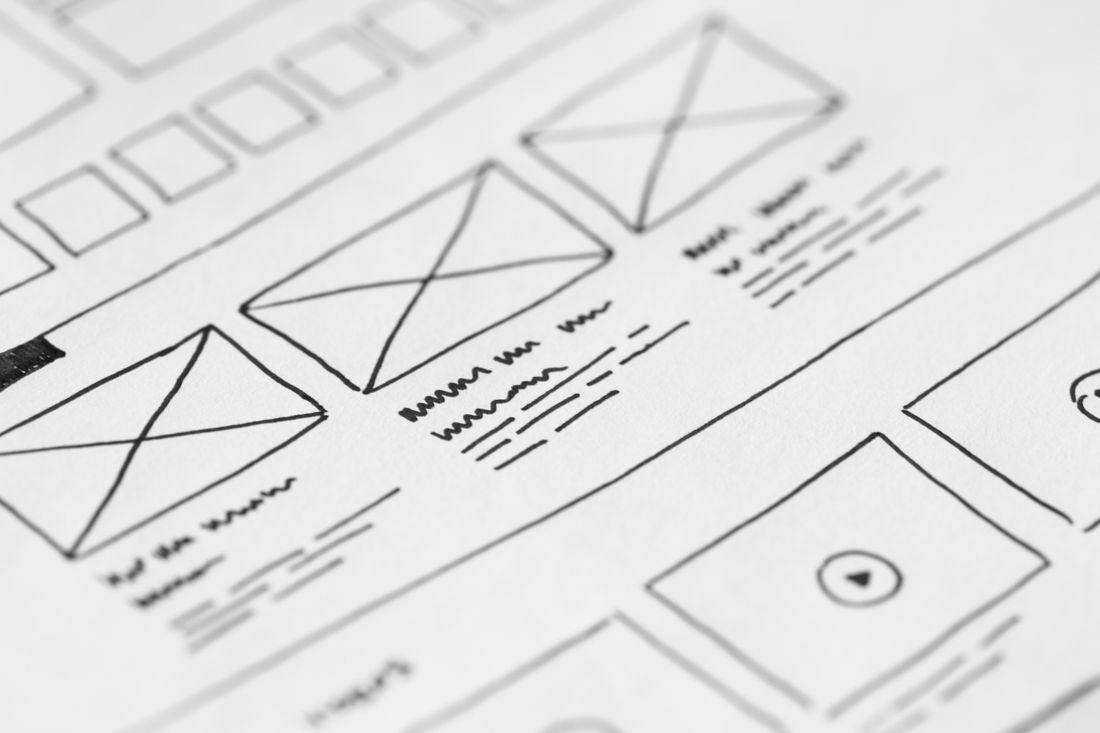
Photo by picjumbo.com via Pexels.
A website redesign isn't really a design and development project with images added at the end. It's a photography and video project that a designer and developer happen to be building the container for. Most teams don't see it that way until launch week, when someone finally asks where the new team photos are supposed to come from, and the answer turns out to be: nobody shot them yet. The wireframes were ready months ago. The visuals weren't even scoped.
A website redesign consumes more photography and video than most project timelines account for (new hero images, a full team photo refresh, and a specific shot for every service page). Planning that shot list alongside the wireframes, not after the design is approved, is what keeps a new site from launching with old, mismatched, or stock imagery.
Table of Contents
- Why a website redesign is really two projects, not one
- What a hero image has to do that a stock photo usually can’t
- Why a redesign is usually when team photo mismatches finally show
- How service pages expose the gap between what you sell and what you show
- Why visuals bolted on after launch cost more than visuals planned in
- When to schedule the shoot relative to the design and dev timeline
- What a realistic photo and video asset list for a redesign actually contains
- Where video fits into a redesign that’s mostly thinking about photos
Why a website redesign is really two projects, not one
A website redesign is really two projects running at once: the design and development work, and the photo and video assets that fill every screen once the new templates exist. Treat only the first as “the project” and the second becomes an afterthought, the same tired photos launching on the new site as the old one.
That's not a hypothetical failure mode. It's the default outcome whenever visuals aren't scoped alongside the wireframes. A designer builds a hero section sized for a wide, high-resolution image. A developer builds a team grid that expects a consistent headshot for every name. Neither of them is responsible for producing that photography. They're building containers, and containers get filled with whatever's on hand at launch time, which is usually a folder of old headshots, a few phone photos, and a placeholder or two nobody remembered to swap out. The fix isn't more design polish. It's scoping the asset list early enough that it's ready the same week the site is.
What a hero image has to do that a stock photo usually can’t
The hero image is the first thing every visitor sees, and it's also the slot most likely to get filled with a stock photo or a leftover crop from an old shoot, because it's needed before anything else on the site is finished. That mismatch (a generic hero above genuinely specific work) reads as borrowed.
A hero image has a narrow job: set the tone in under two seconds, before a visitor reads a single word of copy. A stock photo can technically do that, but it does it for every other business that licensed the same image, which is a real and searchable problem. Reverse image search makes stock reuse easy to spot, and once a visitor notices, the whole site reads as less credible. A photo of the actual space, actual team, or actual work in progress carries information a stock image can't: real light, real objects, a specific texture that says this business exists. Planning that shot alongside the hero mockup, not after it's approved, is what keeps the two in sync.
Why a redesign is usually when team photo mismatches finally show
A redesign is usually the moment a company notices its team photos don't match anymore (different backgrounds, different years, different photographers, sometimes a headshot from a role someone left two years ago). The new site's about page or team grid makes that inconsistency visible in a way the old, more forgiving layout never did.
A team grid is unforgiving because it puts every headshot in the same frame, at the same size, side by side. One photo shot against a white studio backdrop next to one shot on a phone in someone’s office reads as a mismatch instantly, even to a visitor who couldn’t say exactly what’s wrong. Fixing it after launch means either living with the mismatch for months or scheduling a second, smaller shoot just to catch up the site that already went live. Scheduling the team photo day during the redesign, timed to when the new grid’s dimensions are locked, avoids both. It also means new hires and departures can be handled in the same session instead of driving separate, awkward one-off shoots later.
How service pages expose the gap between what you sell and what you show
Service and product pages are where a redesign's visual gap shows up most concretely, because these pages are supposed to show the specific thing being sold, not a general mood, but the actual work, space, or process a visitor is deciding whether to buy. A stock photo of “a professional at a laptop” doesn't do that job.
The test is simple: could this exact photo run on a competitor's page without anyone noticing? If yes, it's not doing its job. A service page selling a specific process, product, or space needs imagery that shows that specific thing (the actual setup, the actual output, the actual room) because that specificity is what separates a page a visitor trusts from one they scroll past. Planning these shots means walking through every service or product page in the new site map before the shoot, not after, and matching each one to a real image instead of a placeholder that quietly becomes permanent once the site ships and nobody circles back.

Photo by Kawê Rodrigues via Pexels.
Why visuals bolted on after launch cost more than visuals planned in
Visuals added after launch cost more than visuals planned alongside the build, because retrofitting means re-opening a project that was already marked done. The design file gets reopened, the developer gets pulled back in to swap image dimensions or crop points, and the “quick fix” turns into a second, smaller project nobody budgeted time or money for.
There’s also a quieter cost: the gap between launch and the eventual fix is exactly when the new site is getting its first real traffic, its first search engine crawl, its first impression with anyone checking the company out before a meeting. That’s the worst possible window to be running mismatched or missing imagery, and it’s precisely the window a bolted-on fix leaves exposed the longest, since “we’ll get real photos eventually” rarely gets scheduled with any urgency once the launch deadline has already passed and everyone’s attention has moved to the next thing. Planning the shoot before launch closes that gap instead of opening it.
When to schedule the shoot relative to the design and dev timeline
The right time to shoot is once the site's wireframes or design comps are locked, but before development finishes, early enough that dimensions and slot counts are known, late enough that the shoot isn't guessing at a layout that might still change. Shoot too early and frames get wasted; too late and launch waits on photos.
In practice that's usually a window of a few weeks, running in parallel with front-end development rather than before or after it. The design team hands over a shot list derived directly from the wireframes (this many hero images at this aspect ratio, this many team headshots, this many service-page images), and the shoot gets planned against that list instead of a vague brief. That handoff is the actual unlock: a designer who can name exact image slots and dimensions turns an open-ended “get some new photos” ask into a scoped shoot day with a clear deliverable count, which is what keeps the asset work from sliding to the week after launch.
What a realistic photo and video asset list for a redesign actually contains
A realistic asset list for a redesign is longer than most people expect before mapping it out: hero images for the homepage and major landing pages, a team headshot for every person on the about page, process or workspace shots for each service page, and a handful of flexible images for future blog posts or case studies.
Mapping that list against the actual site structure (page by page, not “photos in general”) is what turns a vague photography need into something schedulable. A homepage might need two or three hero options to test. A five-person team needs five consistent headshots shot the same day, same setup, so a sixth hire next year can be added without a mismatch. Each service page needs at least one image that's actually about that service, not a repeated hero crop. Written out this way, the list is finite and estimable. That's the point, since an open-ended “we'll need some photos” is what lets the whole line item slip past launch.
Where video fits into a redesign that’s mostly thinking about photos
Photography carries most of a redesign's image slots, but video earns its place on pages built around a process, a product demo, or a founder message, anywhere static images can't show motion, sequence, or a real voice explaining something. A homepage hero video or a short embedded clip on a service page does work a photo grid can't.
The planning logic is the same as for photography: figure out which page templates actually have a video slot before the shoot, not after. A homepage built around a looping background video needs footage shot and edited to that exact aspect ratio and length before launch, not a placeholder swapped in later. A service page with an embedded explainer needs the video finished on a timeline that matches when that page goes live, since an empty video block reads worse than no video block at all. Scoping video alongside photography, as part of the same shot list rather than a separate afterthought, keeps both ready for the same launch date instead of one trailing the other by weeks.
Frequently Asked Questions
How many photos does a typical website redesign actually need?
It depends on the site map, but a useful way to estimate is page by page: one or two hero options per major landing page, one consistent headshot per team member, and at least one specific image per service or product page. A five-page site with a five-person team might need fifteen to twenty final images once hero variations and team photos are counted together. Fewer than most people assume once it's actually mapped out.
Should photography happen before or after the design phase?
Neither extreme works well. Shooting before the design is locked risks capturing images that don't match the eventual layout or aspect ratios. Waiting until after development is finished delays launch or forces a photo-less version to ship first. The workable window is once wireframes or comps are approved but before development wraps, early enough to know exact image slots, late enough that the design won't change again.
Can stock photography work for any part of a redesign?
Sometimes, for genuinely generic supporting spots (a blog category header, a background texture) where specificity doesn't matter. It doesn't work for a homepage hero, a team page, or a service page, because those spots are exactly where a visitor is deciding whether to trust a specific business, and a stock photo can't carry that specificity. The rule of thumb: if the image is meant to represent this business specifically, it shouldn't be one anyone else could license too.
What if the redesign is on a tight budget or timeline, can visuals still be planned properly?
Yes, by scoping down rather than skipping the planning step entirely. A tight budget might mean one shoot day instead of two, or a shorter shot list focused only on the highest-traffic pages first. What doesn't work is skipping the shot list altogether and hoping existing photos stretch to cover a new layout. That's what produces the mismatched, stretched, or recycled imagery a redesign is usually trying to fix in the first place.
How far ahead of launch should the photo and video shoot happen?
Once the design is locked, aim to shoot with enough runway for editing, retouching, and a review round before development finishes (often several weeks, depending on how much footage or how many images are involved). The shoot itself doesn't need to happen far in advance of launch, but it does need to happen before development is finished polishing pages that are still waiting on real images to drop in.
Related Reading
Working on founder content or a launch and not sure what to shoot?
Tell us where the content needs to live (site, LinkedIn, press, or a launch page) and we'll come back with the scope and a fixed price before anything gets booked.
See Personal Branding & Launches