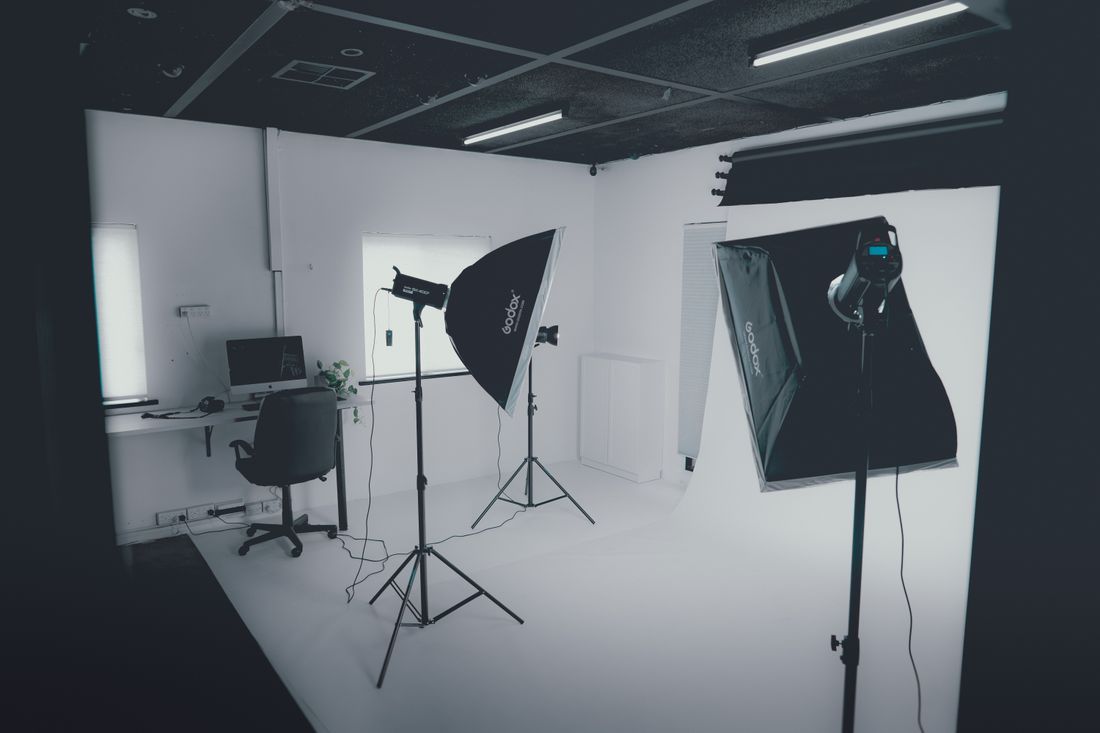
Photo by Hc Digital via Pexels.
A motion headshot is a still photo paired with a few seconds of video, shot in the same session and used side by side on a team page or LinkedIn profile. It's not a replacement for the still. It's an optional add that only earns its place when the page it's going on actually rewards movement.
A motion headshot is a short video clip, usually 3 to 10 seconds, captured alongside the traditional still headshot in the same session. The still stays the primary asset for most uses; the clip adds a second option for team pages, LinkedIn profiles, and video bios where a moment of real movement reads as more current than a static photo alone.
Table of Contents
- What a motion headshot actually is
- Why this format is showing up now
- Team pages: where motion earns its spot
- The individual use case: a video business card
- Where a still photo is still the right call
- How it's actually captured alongside the still
- The technical details that actually matter
- Deciding whether your team needs this
What a motion headshot actually is
A motion headshot is a short video clip, typically 3 to 10 seconds, recorded in the same setup as a still headshot session, meant to sit next to the still online rather than replace it. It's usually a looping clip: a slight turn toward camera, a natural blink and smile, a small settling motion, nothing scripted.
The word "motion" does a lot of work here, and it's worth being precise about it. This isn't a video bio with someone talking to camera, and it isn't b-roll of someone working. It's closer to what a magazine cover does with a subtle animated version of a still portrait: the framing, lighting, and pose match the photo almost exactly, and the only difference is that a few seconds of it move.
Because the clip comes from the same session as the still, it doesn't require separate wardrobe, separate lighting, or a second day. That's the part that makes it worth discussing as a format rather than a full production category on its own — it's an addition to an existing headshot session, not a different kind of shoot.
Why this format is showing up now
Motion headshots are becoming more common because the platforms people use to look up a person — LinkedIn profiles, team directory pages, About pages — increasingly support video natively, and a still photo next to everyone else's still photo stops feeling distinct. The format didn't appear out of nowhere; it followed the places it gets used.
LinkedIn has supported profile video for a while, and more companies are treating their team page as a place worth investing in rather than a grid of headshots bolted on as an afterthought. When a page already supports video, a static photo can start to feel like the format that got left behind, even though a well-shot still headshot is still the right primary asset for almost every professional use.
None of this makes video mandatory. It just means the option exists now in a way it didn't five years ago, and teams updating their headshots are increasingly asking whether they should capture it while everyone's already in front of the camera. That's a reasonable question to ask. The answer depends entirely on where the content is going.
Team pages: where motion earns its spot
A team page is the strongest use case for motion headshots, because it's a page visitors scan quickly, and a few people with a subtle moving clip instead of a static photo genuinely change how the page feels to browse — more alive, more current, closer to meeting the person before you've met them.
The effect works best when it's used across the whole team, not just leadership. A team page where the founders have motion clips and everyone else has stills reads as a hierarchy statement, intended or not. If the format is worth using, it's worth using consistently for whoever is on the page.
It also matters that the page itself supports video well — fast load, no autoplay sound, graceful fallback to the still on older browsers or slow connections. A motion headshot that stutters or fails to load defeats the purpose. This is as much a front-end decision as a photography one, and it's worth confirming with whoever builds the page before booking a shoot around it.
The individual use case: a video business card
For a single person rather than a whole team, the more useful version of this format is what we call a Video Business Card at Core Visuals: a short, self-contained clip built for one person's LinkedIn profile or personal site, distinct from a team-page loop because it's meant to stand alone rather than sit next to a grid of colleagues.
This version usually runs a little longer and carries more intention — a few seconds of someone speaking their name and role, or a clean introduction moment, rather than a purely ambient loop. It functions less like a moving photo and more like a compact answer to "who is this person" for anyone landing on their profile before they've had a call or a meeting.
It suits people whose role puts them in front of clients directly: attorneys, consultants, agents, founders. It suits less well anyone whose individual profile gets far less traffic than the company page does, where the extra production time buys little practical benefit. The judgment call is about audience size and intent, not seniority or title.
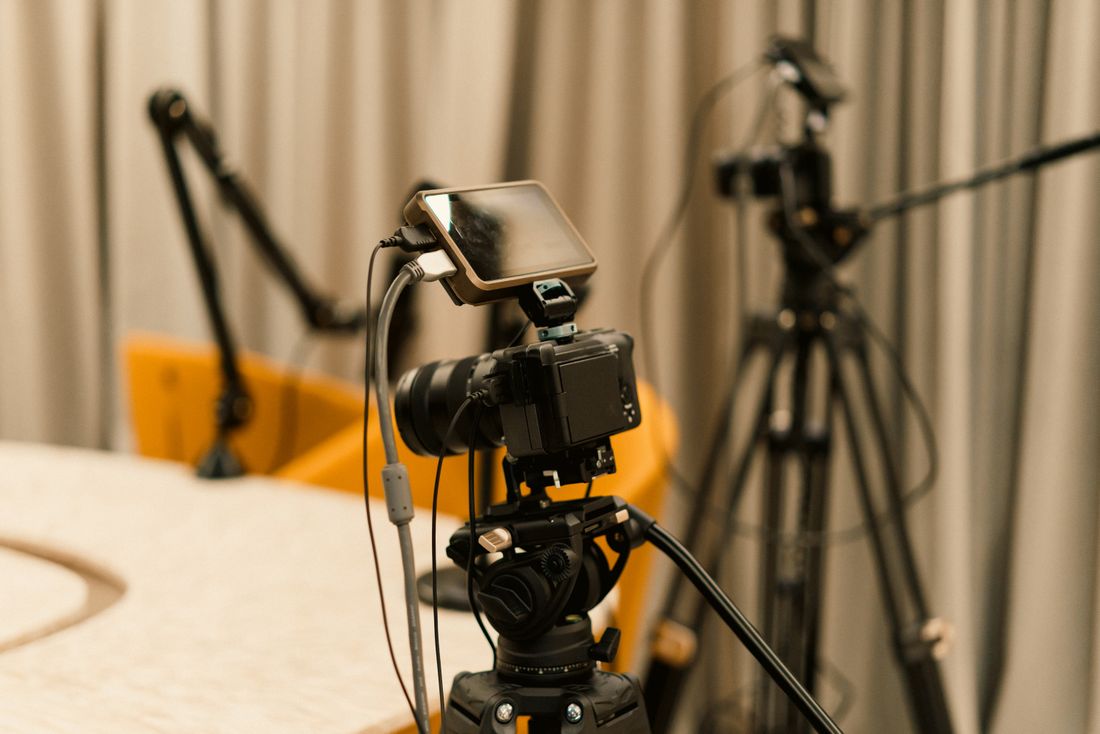
Photo by Jakub Zerdzicki via Pexels.
Where a still photo is still the right call
A still headshot remains the better choice — often the only choice — for press kits, printed materials, ID badges, speaker programs, and any large team roster where consistency matters more than individuality. Video doesn't print, doesn't sit cleanly in a PDF, and doesn't scale to fifty people without becoming a production most teams don't actually need or want to manage.
It's also the right call anywhere the goal is a fast, uniform scan rather than a moment of personality. A board of directors page, a press page listing twenty executives, an internal directory used for quick lookups — these are built for speed and consistency, and a still delivers both better than a clip does, without asking the viewer to wait on anything loading.
There's a simpler version of this test that covers most cases: if the page or document could exist without video at all and nobody would notice the absence, motion isn't solving a real problem there. Add it only where its absence would actually be felt by the person viewing the page.
How it's actually captured alongside the still
In practice, capturing a motion clip alongside a still headshot adds a small amount of time to an existing session rather than requiring a separate shoot day — the lighting, backdrop, and wardrobe are already set, so the addition is mostly a few extra seconds of rolling footage per person once the still frames are locked.
The sequence that works well is photo first, then a short video pass in the same spot: a natural settle, a slight head turn, a genuine smile rather than a held one. Directing someone for four seconds of motion is a different skill than directing a still pose, and it benefits from keeping instructions simple — move like you would for one more second of the photo, not like you're performing for camera.
For a team of any real size, this is where the time math matters. A few extra seconds per person adds up across twenty or thirty people, so it's worth deciding on the format before the day starts rather than improvising it partway through a packed schedule.
The technical details that actually matter
The details that decide whether a motion headshot reads as polished or distracting are mostly small: clip length under 10 seconds, no audio (silent, looping), a clean loop point so the motion doesn't visibly jump when it restarts, and a file size light enough that it doesn't slow the page down.
Vertical framing matters more here than it does for a standard headshot, since these clips often live on mobile-first profiles and inside team-page cards that are taller than they are wide. A clip framed for a wide desktop hero image won't crop cleanly into a mobile card, so the framing decision needs to happen before the shoot, not after.
Autoplay and sound settings belong to whoever builds the page, not the shoot itself, but they're worth raising early. A silent, muted, looping clip that starts on scroll behaves very differently from one that demands a click — and the wrong choice can make an otherwise good format feel like an ad.
Deciding whether your team needs this
The decision comes down to one honest question: does the page this is going on actually reward movement, or does it just need to look current? A high-traffic team page or an individual's LinkedIn profile usually rewards it. A press kit, a large roster, or a printed program almost never does.
We treat motion as an add-on to a headshot session, not a separate line item that competes with it — the still is always the deliverable everyone needs, and the clip is the deliverable some people will use. That ordering keeps the decision low-stakes: nobody has to commit to video for the whole team just to try it for the roles where it clearly helps.
If you're planning a headshot day and want to know whether it's worth adding a motion pass for some or all of the group, that's a conversation worth having before the shoot, not during it — the answer usually becomes obvious once you know where the photos are actually going to live.
Frequently Asked Questions
How long should a motion headshot clip be?
Most motion headshots run 3 to 10 seconds and loop. Longer than that, it stops functioning as a moving photo and starts functioning as a video, which changes what it needs — a script, audio, and a different kind of attention from the viewer. Short and silent is what makes the format work as a companion to the still rather than a competing piece of content.
Does a motion headshot replace the still photo?
No. The still stays the primary deliverable for press kits, printed materials, ID badges, and any use where video doesn't work technically or simply isn't supported. A motion headshot is an added option for pages that already support video, like a team directory or a LinkedIn profile, used next to the still rather than instead of it. Most people will still only ever see the still photo.
Does adding a motion clip cost extra or take much longer?
It adds a small amount of time to an existing headshot session rather than requiring a separate shoot, since the lighting, backdrop, and wardrobe are already set up and everyone is already in front of the camera. The time cost is mostly a few extra seconds of footage per person after the still is captured, which adds up across a larger team but stays modest for smaller groups or a single individual.
Should audio be included in a motion headshot?
Most motion headshots used on team pages are silent, looping clips — no audio, no autoplay sound, so browsing the page never feels intrusive. A version with someone speaking their name or role functions differently; it's closer to a short video bio, sometimes called a video business card, and works best as an individual profile piece rather than a team-page loop shown next to a dozen colleagues.
Which teams benefit most from motion headshots?
Teams with a high-traffic company page, a LinkedIn presence that gets real profile views, or client-facing roles like attorneys, consultants, agents, and founders tend to benefit most from the format. Large rosters, press kits, and printed materials benefit least, since those formats reward fast, consistent scanning over an individual moment of personality that a still photo can't deliver quite as efficiently or as cleanly on the page.
Related Reading
Planning headshots for a finance or wealth management team?
Tell us your team size and the tone you're going for, and we'll build a session that fits the credibility bar this industry actually needs.
See Headshots & Brand Videos