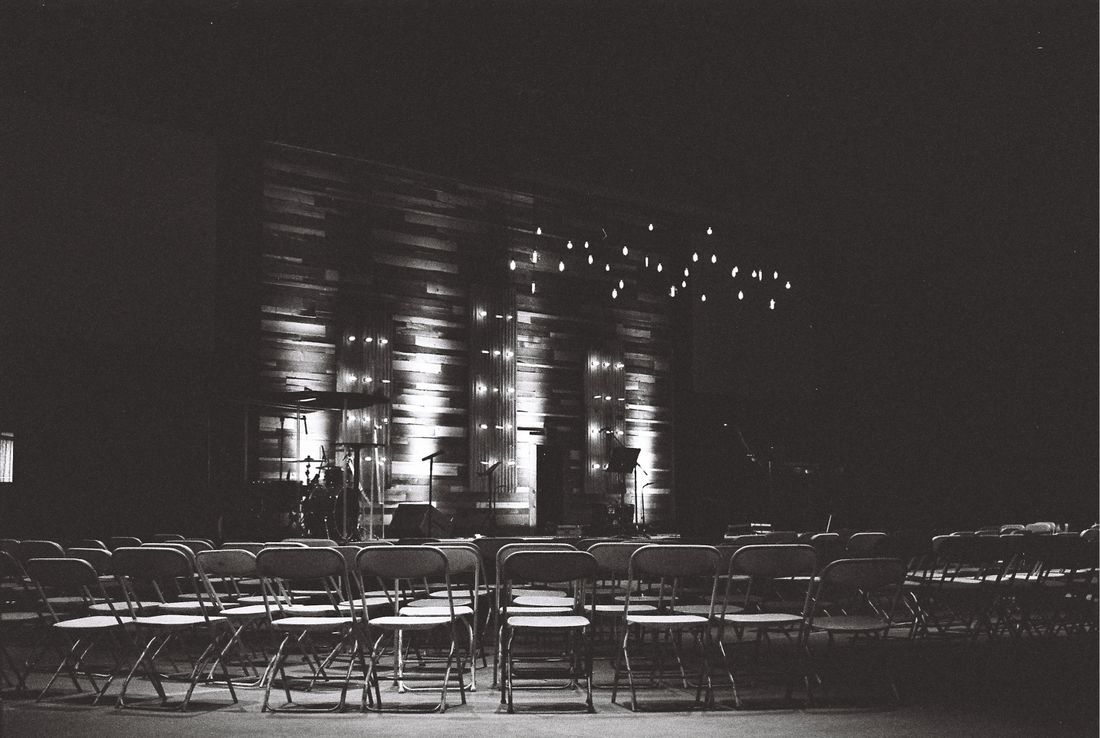
Every event has two production teams running at the same time: the AV and lighting crew shaping the room, and the photo and video crew documenting it. Most of the time nobody formally introduces them to each other. Each gets a call time and a floor plan, and it's assumed the coordination happens on its own. It usually doesn't. The mismatch shows up mid-keynote, when house lights kill without warning, or a bright screen behind the podium blows out every frame of a fifteen-minute talk. None of that is inevitable. It's a handoff problem, and it has an actual answer: a short list of things the photo and video crew needs to ask for, and a short list of things the AV and lighting crew needs to hand over, both settled before load-in.
The handoff between an event's AV/lighting crew and its photo/video crew comes down to five things: stage wash intensity and color temperature, whether house lights stay up during the keynote, screen brightness near the podium, audio feed access, and which floor zones are off-limits. Forcing answers before load-in keeps all five from becoming a live surprise.
Table of Contents
- Why the AV and Lighting Handoff Is Its Own Step
- Stage Wash Levels and Color Temperature
- Whether House Lights Stay Up During the Keynote
- Screen Brightness Against the Podium
- Getting Access to the Audio Feed
- Where the Photo and Video Crew May and May Not Stand
- Who Owns the Cue Sheet
- Forcing This Conversation Before Load-In, Not at Showtime
Why the AV and Lighting Handoff Is Its Own Step
Handing an event from the AV and lighting crew to photo and video coverage means passing along five things: stage wash levels, whether house lights stay up during the keynote, screen brightness near the podium, audio feed access, and which floor zones are off-limits. Skip that handoff and photo and video are guessing at a room they didn't build.
Most events treat AV, lighting, and photo/video as three separate vendors who happen to share a floor plan, not three teams working off the same production. That's fine when the room is simple. It falls apart the moment a keynote drops house lights to black, or a screen behind the podium throws its own light into every frame, and nobody told the photographer in advance. The handoff isn't a courtesy conversation. It's a short, specific exchange of settings and rules that the person booking both crews should be forcing before load-in, not discovering it once the room goes dark and the first slide comes up on a screen nobody warned anyone about.
Stage Wash Levels and Color Temperature
Stage wash is the flat, even light covering the presenter, and it sets two numbers a photo or video crew needs before the show starts: intensity, so they know how much light they have, and color temperature, so white balance is set correctly instead of guessed at under pressure. Both come from the lighting crew, not from eyeballing the room.
Color temperature matters more than people expect. A stage lit at a warm color temperature reads orange on camera if white balance is set for daylight, and a lighting design that mixes warm wash with cooler house light or LED screen output creates two color temperatures in the same frame. Photo and video need to know which fixture is dominant on the presenter's face, since that's the one they're balancing for. Intensity matters just as much for video, since a dim wash forces a higher ISO or a wider aperture, both of which change how the footage looks next to earlier segments shot in brighter light. Getting both numbers, even roughly, before doors open turns a guess into an actual camera setting instead of a mid-cue scramble.
Whether House Lights Stay Up During the Keynote
House lights either stay up through a keynote or drop to black once the stage wash takes over, and that single decision changes exposure, framing, and whether wide shots of the audience are even usable. It's a lighting cue, not a photo or video decision, so the crew needs to know which way it's going before the speaker walks out.
A room that keeps house lights up gives photo and video a forgiving exposure range and usable crowd shots throughout the talk. A room that drops to black for a cinematic stage look means the only well-lit subject is whoever's standing in the wash, and audience reaction shots become a much harder, higher-ISO problem. Neither choice is wrong. It's a lighting design decision tied to the mood the event wants. What matters is that photo and video hear about it ahead of time, ideally with the actual light level in the room at that moment, so they can plan gear and positioning instead of adjusting mid-cue when the room goes dark without warning.
Screen Brightness Against the Podium
A presentation screen behind or beside the podium throws its own light into the frame, often brighter and cooler than the stage wash on the speaker's face, and that mismatch is a common exposure problem in event coverage. Photo and video need to know the screen's brightness and position relative to the presenter before the first slide loads.
A screen set too bright next to a dimmer presenter reads as a blown-out rectangle behind a silhouette, and it gets worse every time the slide changes brightness, since a white background slide throws far more light than a dark one. The fix isn't always a camera setting. Sometimes it's asking the AV crew to dim the screen slightly or reposition it so it isn't directly behind the speaker's head. That's a request worth making before load-in, when the AV crew can still adjust the plot, rather than after the keynote starts and the screen is already locked into its position and its cue for the whole program.
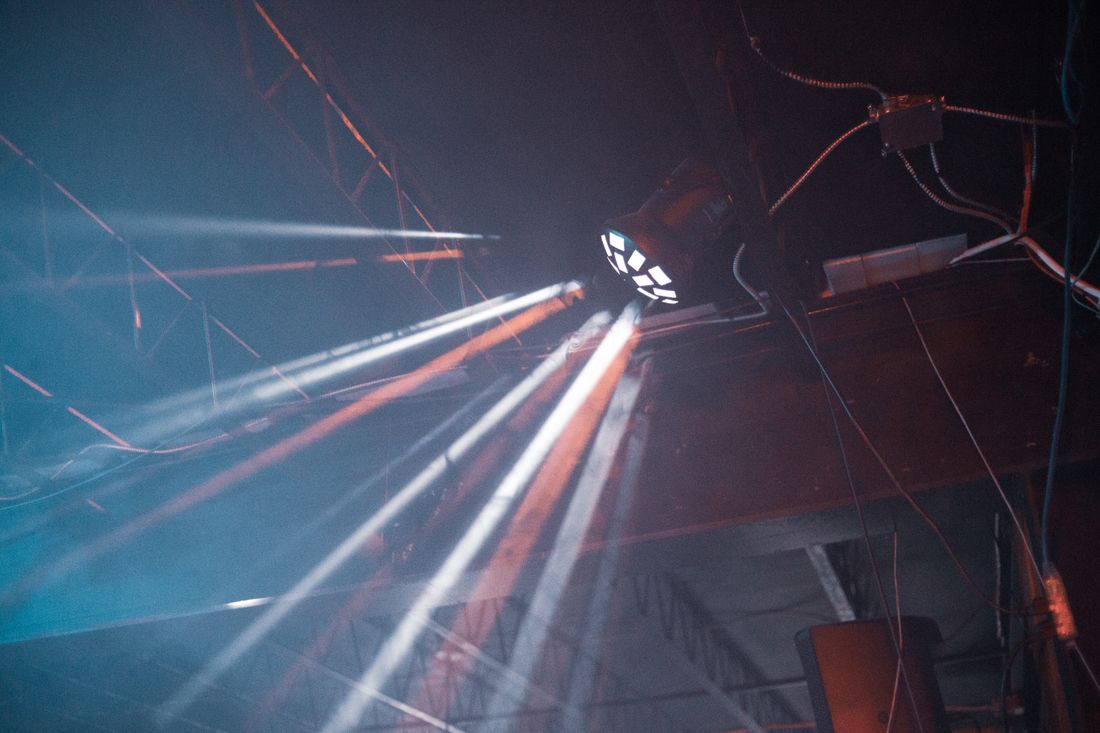
Photo by Erik Mclean via Pexels.
Getting Access to the Audio Feed
Video coverage needs a clean audio feed, usually a direct line out of the soundboard, and that access has to be requested and confirmed before the event starts, not assumed. A shotgun mic on a camera picks up room noise and distance. A board feed captures the speaker the way the audience actually hears them.
The AV crew controls the board, so the request goes through them, not through the client or event planner, who often don't know what a board output even is. It's worth confirming the physical connection too, whether it's a standard line out, a wireless send, or a recording device the AV crew is already running that can be copied afterward. If a livestream vendor is also in the room, board access can become contested, since multiple crews may want the same output at once. Settling who gets what feed, and how, before the event starts keeps a video crew from discovering on arrival that the only available option is a mic and a noisy room.
Where the Photo and Video Crew May and May Not Stand
Standing positions on an AV-heavy event floor aren't a free choice. Follow spots travel fixed paths, fixed cameras need clean sightlines, and cable runs cross the floor in specific places, so the AV and lighting crew needs to mark which zones are open before photo and video pick a spot to work from.
Getting this wrong usually means one of two things: a photographer blocking a fixed camera's sightline at the exact moment a keynote hits its key line, or a photographer stepping into a follow spot's path and casting a shadow across the stage. Neither is obvious from the floor alone, since a follow spot's travel range isn't visible until it's already moving. The fix is asking the lighting operator directly, before the room fills, where the spot travels and where the fixed cameras are aimed, then treating those zones as fixed obstacles rather than negotiable space. A position confirmed in advance means no scrambling to reposition once the program is already running.
Who Owns the Cue Sheet
The cue sheet, the document naming every lighting change, audio cue, and timing mark for the event, belongs to the AV or lighting crew running the show, and photo and video should get a copy before load-in rather than tracking cues by ear during the event. It's the single source of truth for what's about to happen and when.
Without it, a photo or video crew is reacting to changes as they happen: a sudden blackout, a spotlight swinging to a different part of the stage, house lights dropping without warning. With it, they know in advance that the lights drop at the top of the keynote, or that a specific cue triggers a screen change that will alter exposure. Asking for the cue sheet, or at least a simplified version of it, is a normal production request, not an overreach into someone else's job. It turns event coverage from a reactive scramble into a planned shoot built around known moments instead of surprises.
Forcing This Conversation Before Load-In, Not at Showtime
All five of these questions, stage wash and color temperature, house lights during the keynote, screen brightness, audio feed access, and standing zones, need answers before load-in, and the person booking both AV/lighting and photo/video is the one positioned to force that conversation. Neither crew will necessarily raise it on their own.
AV and lighting crews are focused on the room and the program running smoothly. Photo and video crews are focused on their own gear and coverage plan. Neither one automatically thinks to loop the other in unless someone asks them to. That's the actual job of whoever's coordinating the event: get both crews on the same floor plan and cue sheet before the event starts, not after a mismatch shows up in footage that can't be reshot. I treat this as a standard part of planning a shoot around a room I don't control, because the alternative, discovering the mismatch live, doesn't have a fix once the keynote's already underway.
Frequently Asked Questions
What's the single most important thing to confirm with the AV and lighting crew before an event?
The cue sheet, since it names every lighting change, audio cue, and timing mark for the event in one document. Without it, photo and video are reacting to changes as they happen instead of planning around known moments. Requesting a copy, or a simplified version, before load-in turns the shoot from a reactive scramble into coverage built around what's actually about to happen in the room.
Who is responsible for requesting audio feed access for video coverage?
The photo or video crew requests it, but the request has to go through the AV crew, since they control the soundboard. A client or event planner usually can't authorize or explain a board output. Confirming the physical connection matters too: a direct line, a wireless send, or a recording device already running that can be copied afterward. If a livestream vendor is also present, settling this before the event starts prevents a scramble for a usable feed.
What happens if house lights and stage wash aren't communicated in advance?
Photo and video plan for a lit room, then get surprised by a hard blackout or an unexpected wash change once the keynote starts. That usually means missed exposure settings and blown-out or underexposed frames, with no time to adjust before the moment passes. None of it is fixable after the fact, since a stage moment doesn't repeat. Confirming these details ahead of load-in avoids the surprise and keeps coverage planned instead of reactive.
How does screen brightness near the podium affect event video coverage?
A bright screen behind or beside a podium throws its own light into the frame, often brighter and cooler than the stage wash on the speaker's face, which can make the presenter read as underexposed or silhouetted against it. The mismatch gets worse every time the slide changes brightness. Knowing the screen's brightness and position in advance lets a crew plan exposure around it, or ask the AV team to dim or reposition the screen before the keynote begins.
Who should own and share the cue sheet with the photo and video team?
The AV or lighting crew running the show owns the cue sheet, since it's built from their production plan, not the photo or video crew's shot list. Photo and video should request a copy, or a simplified version naming the moments that affect their coverage, before load-in. It's a standard production request, not an overreach into another crew's job, and it turns event coverage into a shoot planned around real cues instead of guesswork.
Related Reading
Not sure if hourly or a package makes more sense for your event?
Tell us the expected length, and we'll run the actual numbers before you book.
See Event Coverage Packages