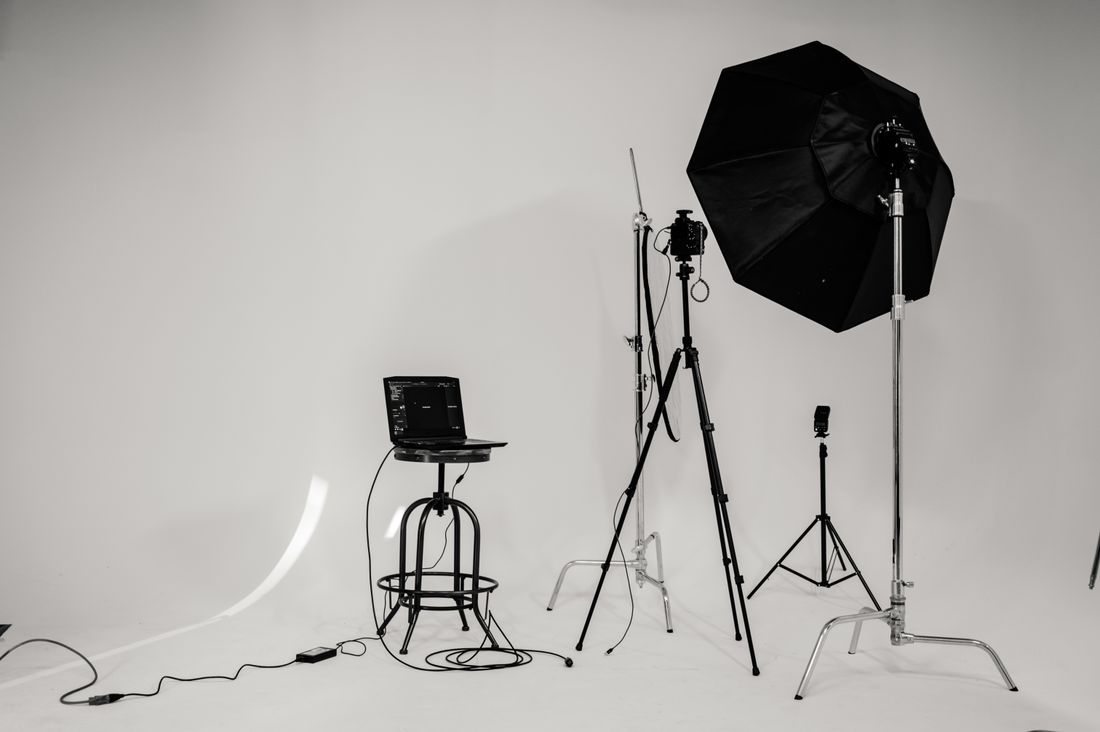
Photo by Brett Sayles via Pexels.
A trade group's member directory looks like a team page at first glance: a grid of headshots, one per name, meant to put a face to every listing. It isn't built the same way. The people in it don't work for the association, don't share an office, and arrive to be photographed on their own schedule, at a conference, at a chapter event, or not at all if a photo option never crosses their desk. Many will submit their own photo unless the association's option is genuinely easier. The real production challenge isn't finding a good photographer. It's holding a consistent look across people you can't mandate a wardrobe for, can't re-shoot after they move to Denver, and whose mismatches all show up at once in a grid.
A membership directory needs consistent crop, background, and lighting across people who never share a room or a wardrobe rule, which a single team shoot never has to solve. The fix is a written spec sheet locking down background, crop, and eye line, plus a repeatable capture model, so a photo from year three still matches one from year one.
Table of Contents
- Why Isn't an Association Directory the Same Job as a Team Page?
- What Does a Directory Grid Actually Expose When Every Photo Sits Side by Side?
- Should the Association Shoot at the Annual Conference or Run Sessions All Year?
- What Belongs in the Spec Sheet You Hand Every Directory Photographer?
- What Do You Do When a Member Sends In Their Own Photo?
- How Many Members Can a Conference Photo Station Actually Get Through?
- Why Is a Member Directory a Recurring Job, Not a One-Time Shoot?
- What Should the Deliverables Include Beyond the Square Directory Photo?
Why Isn't an Association Directory the Same Job as a Team Page?
An association directory isn't a team page because the people in it don't work for the association, don't share an office, and can't be told what to wear or when to show up. A company can mandate a headshot policy for its staff. An association can only make its member option easier than the one the member already has.
That's the actual production problem: consistency without control. You can't mandate wardrobe for a volunteer board or a member who joined last month in Denver. You can't re-shoot someone who moved out of state or retired last year. Every mismatch, a different background, a different crop, a different light, shows up at once in a grid where forty or four hundred headshots sit side by side. Get one wrong and it looks off next to dozens of others that got it right. The fix isn't heroic photography. It's a documented approach the association controls even as the photographer, the room, and the year change. That's what the rest of this post walks through: what the grid exposes, how to capture members who never share a room, and how to keep the look matching from one renewal cycle to the next.
What Does a Directory Grid Actually Expose When Every Photo Sits Side by Side?
A directory grid exposes crop, background, eye level, color temperature, and headroom the moment two photos sit next to each other, because a grid removes the context a single portrait has on its own. One warm, wide shot next to one cool, tight shot reads as a mismatch even if both photos are individually fine.
A single headshot on a bio page never has to compete with a neighbor. Nobody notices that one member is framed from the chest up and another from the shoulders until the directory renders forty faces in a grid and the difference becomes the first thing anyone sees. Background is the same problem at a bigger scale: a mix of blurred office backdrops, plain paper backdrops, and someone's home bookshelf reads as three different associations, not one. Eye level and headroom matter more subtly. A photo shot slightly from below, or cropped closer to the frame edge than its neighbors, throws off the rhythm of the page, even though no single photo looks wrong alone. Color temperature is the detail almost nobody names but everyone notices: a warmer photo next to a cooler one reads as inconsistent before a viewer can say why.
Should the Association Shoot at the Annual Conference or Run Sessions All Year?
The two realistic ways to build a directory are a single photo station at the annual conference and rolling sessions booked across the year, and they trade off in opposite directions: the conference station buys consistency in one sitting but only reaches members who attend, while rolling sessions reach everyone eventually but require actively protecting the look across many separate shoot dates.
A conference station is the closer thing to a company team shoot: one photographer, one setup, one backdrop, one block of hours, so every photo taken that day matches by default. The catch is attendance. Members who skip the conference don't get photographed at all unless the association adds a second option. Rolling sessions solve the reach problem: a photographer or a small rotating group photographs new and renewing members throughout the year, wherever they happen to be. But now every session is a fresh chance for the look to drift, a different room, a different season's daylight, a different photographer's habits, unless something ties the sessions together on paper. Most associations run both: a station at the conference for the bulk of the roster, and rolling sessions for members who never make it there.
What Belongs in the Spec Sheet You Hand Every Directory Photographer?
The spec sheet an association hands any photographer should lock down background color and material, camera distance and crop, eye line and lens height, lighting quality, and file specs, in writing, so year three of the directory matches year one even if the photographer, the venue, and the season are all different.
This document is the actual consistency mechanism, not the photographer's memory or good intentions. Specify the background as a named paper backdrop color, not "gray," because gray from one manufacturer isn't gray from another. Specify camera distance and resulting crop in concrete terms, chest-up versus shoulders-up, so a photographer working the shoot three years from now frames the same way. Note the lens height relative to the subject's eyes, since a camera set a few inches too low or high changes how a face reads. Include the lighting setup, or at least the quality of light, and the exact export specs the directory platform needs: pixel dimensions, file format, color profile. Hand this sheet to any photographer the association books, including one who has never worked with the group before, and the result reads as if the same person shot both years.

Photo by Alexandru Cojanu via Pexels.
What Do You Do When a Member Sends In Their Own Photo?
When a member submits their own photo instead of using the official session, the realistic move is to set minimum technical standards rather than reject it outright, because most members will supply a photo one way or another, and the association's real leverage is making its own option easier to use than a phone selfie.
Refusing self-submitted photos outright usually backfires: the member posts a five-year-old conference badge photo or a cropped group shot instead, which looks worse in the grid than almost anything the association could have produced. A better approach publishes a short technical bar, minimum resolution, a plain or blurred background, no group crops, no logos or badges in frame, and lets the member check their own photo against it. The real fix is competitive, not punitive: if the session takes ten minutes, delivers a photo within a week, and looks noticeably better than a phone shot against a home office wall, most members will choose it once and stop thinking about their directory photo again. The members who keep submitting their own are usually the ones who never encountered an easy session option, not the ones actively resisting a good one.
How Many Members Can a Conference Photo Station Actually Get Through?
A conference photo station realistically photographs one member every three to five minutes once the line is moving, which works out to roughly twelve to twenty members an hour and eighty to a hundred fifty across a full working day, before accounting for gaps between sessions, no-shows, and members who arrive in a rush between panels.
That per-member pace covers a quick pose check, one or two frames, and a fast look at the back of the camera, not a full styled sitting. Push much faster and the quality drops or members feel rushed through; slow it down for wardrobe adjustments or multiple looks and the day's total count drops fast. Conference attendance is also uneven by the hour: a station gets crowded right after a keynote lets out and sits empty during a breakout session nobody wants to leave. Associations planning a station should treat the daily total as a range, not a guarantee, and expect that even a well-run station won't reach every attendee, let alone every member who skipped the conference entirely. That gap is exactly why a station alone rarely covers the full roster.
Why Is a Member Directory a Recurring Job, Not a One-Time Shoot?
A member directory is a recurring job rather than a one-time shoot because membership turns over every year: new members join without a photo on file, existing members age out of theirs, and some quietly replace a professional headshot with whatever photo is easiest to find, which means the directory needs a standing plan, not a single event.
A company team page gets reshot when the company decides to refresh it, on its own schedule. An association doesn't get that luxury. Every renewal cycle brings members who joined since the last shoot and have no photo at all, sitting in the directory as a blank silhouette or missing entirely. Some returning members will have changed enough, a new job, a few more years, that their old photo stops representing them well, even though nobody flags it. Budgeting for a directory as a one-time project undercounts the real cost: the ongoing work is capturing new members as they join and refreshing everyone else periodically, not producing one clean batch. Treating it as a standing program with a session cadence, instead of a project with an end date, keeps the directory from slowly filling back up with mismatched or missing photos.
What Should the Deliverables Include Beyond the Square Directory Photo?
The deliverables from a directory shoot should include a square crop sized for the directory grid and a wider crop the member can use on LinkedIn or their own website, because the member using their photo elsewhere, and liking it, is a large part of why the program survives the next budget review.
The square crop is built for the grid: consistent framing, consistent headroom, ready to drop into the directory platform at whatever pixel size it needs. The wider crop, usually a portrait or landscape frame with more room around the subject, is the deliverable the member actually keeps and reuses on a personal profile, a firm bio page, or a conference speaker card. Skipping the second crop treats the member as a passive subject rather than a real client of the shoot: members who only get a square crop are more likely to go find their own photo the next time they need one for something other than the directory. A member who gets a photo they would choose to use on their own is the reason the board keeps approving the budget line next cycle. That's the quiet business case for shooting it properly the first time.
Frequently Asked Questions
How do you keep headshots consistent across a member directory when members are photographed at different times?
Write a spec sheet before the first shoot, covering background color, camera distance and crop, eye line, lighting, and file export settings, and hand it to every photographer the association books, including new ones years later. Consistency in a member directory comes from a documented standard the association controls, not one photographer's memory. A well-written spec sheet is what lets a photo taken in year three match one taken in year one, with a different photographer, room, and season.
Should an association shoot member headshots at its annual conference or offer sessions throughout the year?
Most associations end up doing both. A conference station photographs a large share of the roster in one consistent sitting but only reaches members who attend that event. Rolling sessions booked across the year catch everyone else, joining members, non-attendees, remote members, but need the same spec sheet applied every time so the look doesn't drift between sessions shot months apart in different rooms under different light.
What should an association do about members who submit their own headshot instead of using the official session?
Set a minimum technical bar rather than rejecting self-submitted photos outright: reasonable resolution, a plain or blurred background, no group crops or event badges in frame. Most members who submit their own photo do it because they never encountered an easy session option, not because they're resisting one. Making the official session fast and clearly better than a phone selfie usually solves the problem without a strict policy.
How many members can realistically be photographed at a conference headshot station in one day?
Roughly eighty to a hundred fifty members across a full working day, at a pace of about one member every three to five minutes once the line is moving. That number varies with conference traffic, since attendance clusters right after keynotes and thins during breakout sessions. Associations should plan the station's daily total as a range, not a guarantee, and expect it won't reach every member on the roster.
What photos should an association actually deliver to each member after a directory shoot?
Two crops: a square version sized for the directory grid, and a wider crop the member can use on LinkedIn, a firm bio page, or their own website. The square crop keeps the directory consistent. The wider crop is what the member actually keeps and reuses elsewhere, and a member who likes their photo enough to use it themselves is a real reason the directory program keeps getting funded at renewal.
Related Reading
Planning headshots for a finance or wealth management team?
Tell us your team size and the tone you're going for, and we'll build a session that fits the credibility bar this industry actually needs.
See Headshots & Brand Videos